Section 9: Balancing Rotors
130
# Fixed Positions
Establish a fixed number of attachment points (e.g. drilled and
tapped holes) that are equally spaced on a fixed radius from the
center of the rotation.
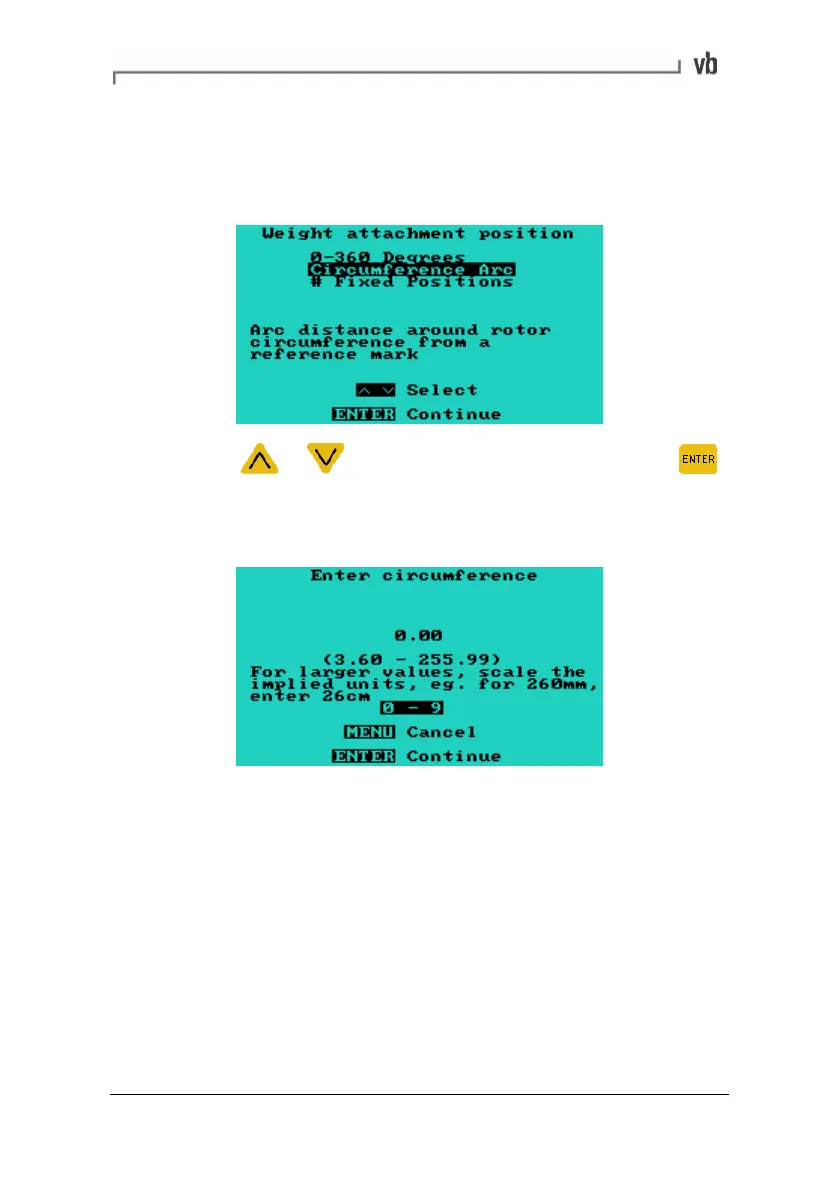
• Press or to highlight your selection then press
to continue. If choosing Circumference Arc or # Fixed
Positions this will open a sub-menu where you can specify
the total circumference or numbers of points.
Right Weight Position
Same as for Left Weight Position but only appears if a dual plane
balance is selected.
Artisan Technology Group - Quality Instrumentation ... Guaranteed | (888) 88-SOURCE | www.artisantg.com



 To Next Page