ComNav 2001 Autopilot System
P/N 29010017 V1.0 - 42-
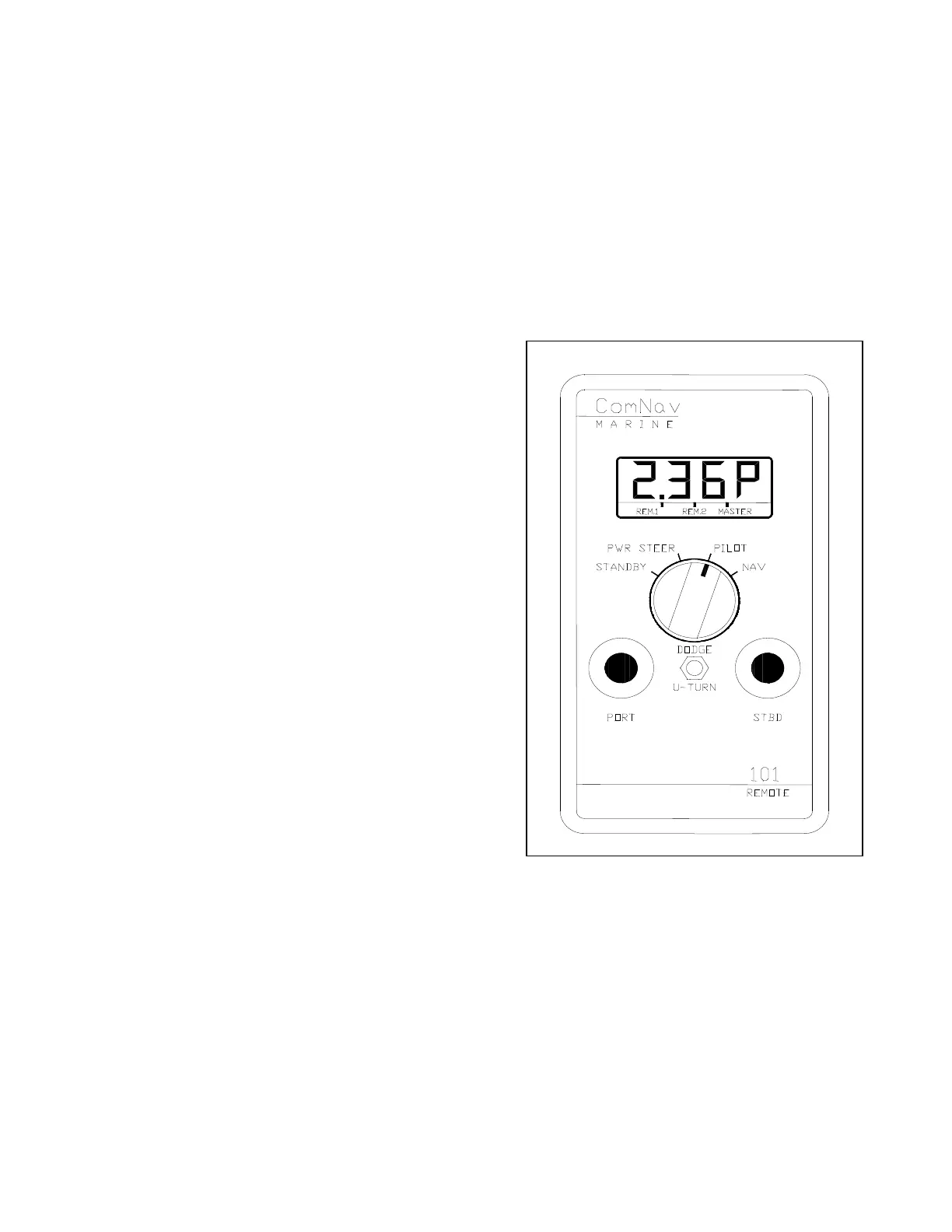
COMNAV 101 REMOTE CONTROL
This remote control plugs into either remote
receptacle on the rear of the autopilot.
If it is plugged into the REMOTE 1 receptacle,
Dip Switch 5 on the autopilot control circuit
board must be in the OFF or OPEN position.
If it is plugged into the REMOTE 2 receptacle,
Dip Switch 6 must be in the OFF or OPEN
position.
Control is taken at the remote by pressing both its
pushbuttons for one second. The decimal point on
all LCD displays will move to the REM.1 or
REM.2 position, depending on which receptacle
is being used.
This remote control includes a display, master
select switch, pushbuttons, and a DODGE/U-
TURN toggle switch. Its operation is identical to
the operation of the autopilot except for the toggle
switch.
The vessel can be dodged off course by holding
the toggle switch in the DODGE position and
pressing one of the pushbuttons. The rudder can
be returned to the Dead Ahead position, holding
the vessel off course, by holding the toggle switch
in the DODGE position without pressing either
pushbutton. Release the toggle switch and the
vessel will return to the programmed course at the
rate set by the TURN RATE control.
To display the type of special turn currently
selected, place the remote in STANDBY, pull the
toggle switch to the U-TURN position and
release it. Press either the red or green pushbutton
to select a different type of special turn. Place the
remote in PILOT, click the toggle switch to the
U-TURN position and then press either the red or
green pushbutton for one second to start a special
turn to that side.
Place the remote in NAV to engage the
Navigation Interface. Pull the toggle switch to the
U-TURN position and release it to display the
selected nav port and cross track error sense.
Press the red pushbutton to switch to the other
nav port. Press the green pushbutton to select
either Normal or Inverted response to cross track
error for that port.
Figure 10 - ComNav 101 Remote



 To Next Page