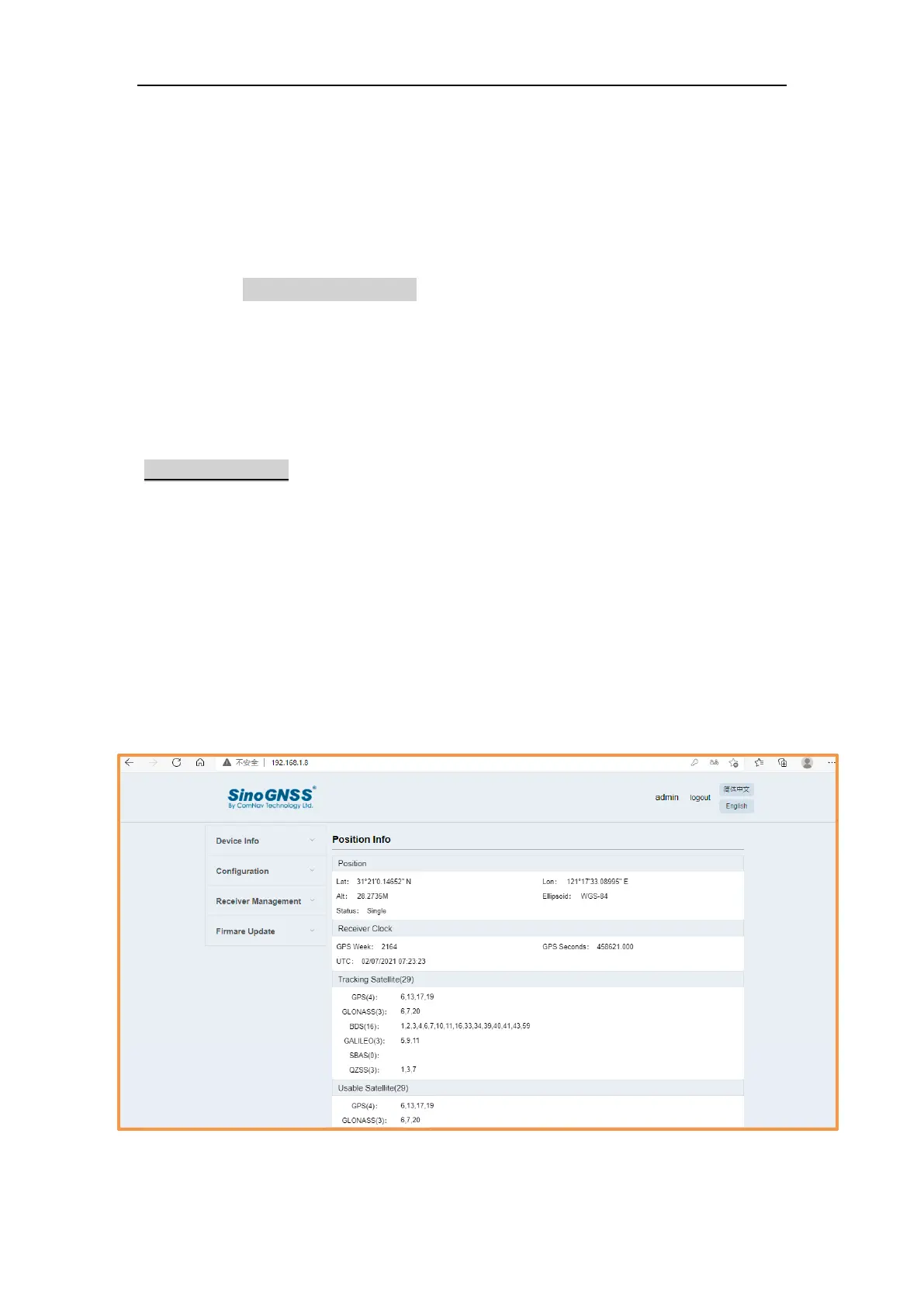
3.3 Receiver Web GUI interface
Step 1: Connect Wi-Fi of T300 PLUS receiver
Turn on the T300 PLUS GNSS receiver and wait for the T300 PLUS serial number to
appear under the available Wi-Fi networks on your smart phone or office
computer.
For example, T300 PLUS-T31LXXXXX (where xxxxx represents the last five digits of
the receiver serial number).
Enter password: 12345678
Step 2: Login the Web
Select the receiver, open a web browser and then enter the following IP address:
http://192.168.1.8
Tip: Most web browsers for computers / laptops and smart phones / PDAs support the receiver
Web GUI
Step 3: Enter the default login settings to access the main page
• Username: admin
• Password: admin
After accessing the main page, configuration menus are listed on the left, and
receiver’s settings on the right. Each configuration menu will be demonstrated in
the following sections.



 To Next Page