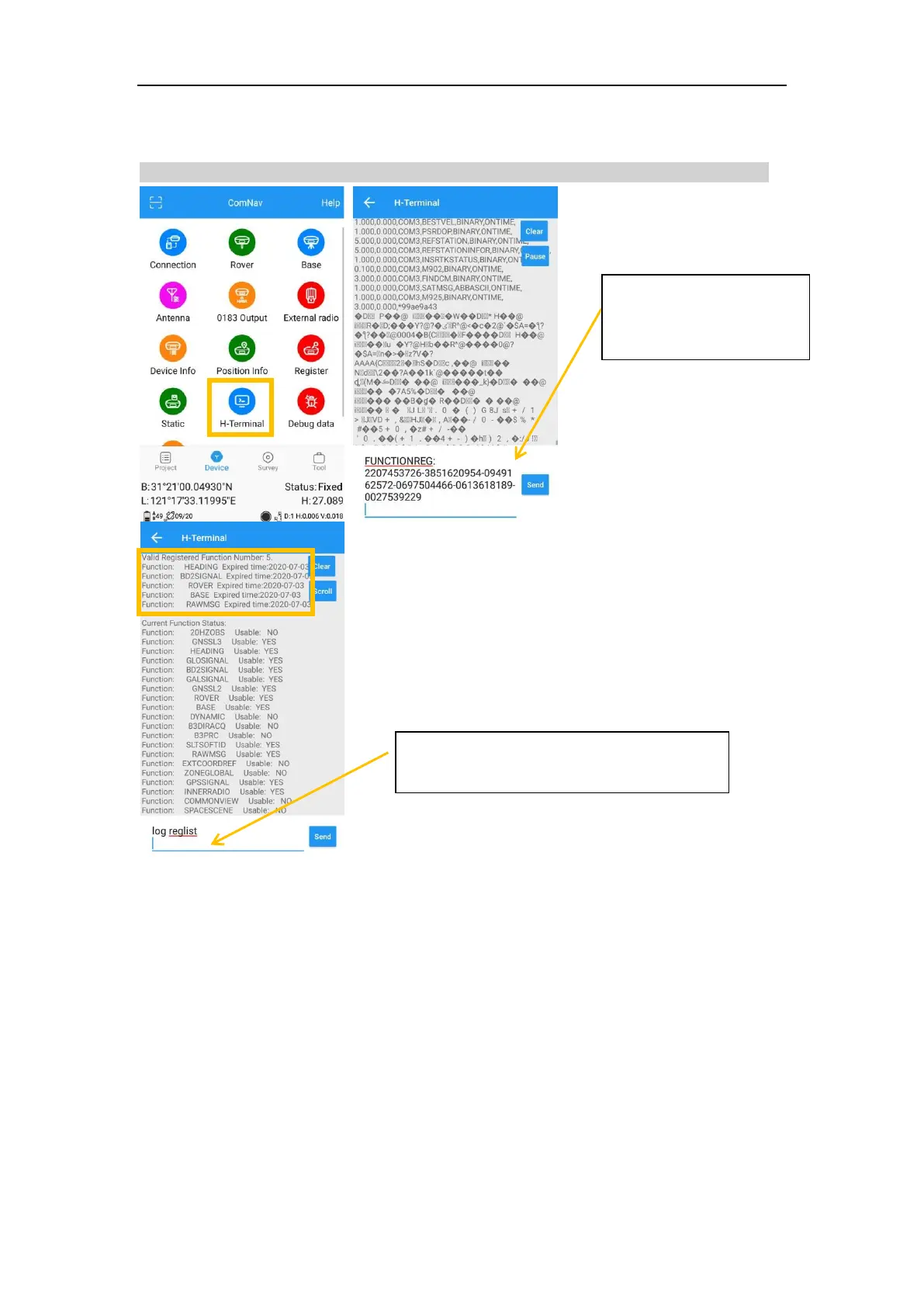
➢ Register via commands
You need copy the whole code, include the word ‘FUNCTIONREG:’
FUNCTIONREG:2207453726-3851620954-0949162572-0697504466-0613618189-0027539229
9 Firmware Upgrade
9.1 Upgrade firmware via serial cable
1. Copy the firmware software to your PC, connect T300 PLUS to your PC via serial port
cable and turn on the receiver.
2. Open the firmware program, choose “APP->Link setup”, select proper port to
connect with receiver, and then click “OK”.



 To Next Page