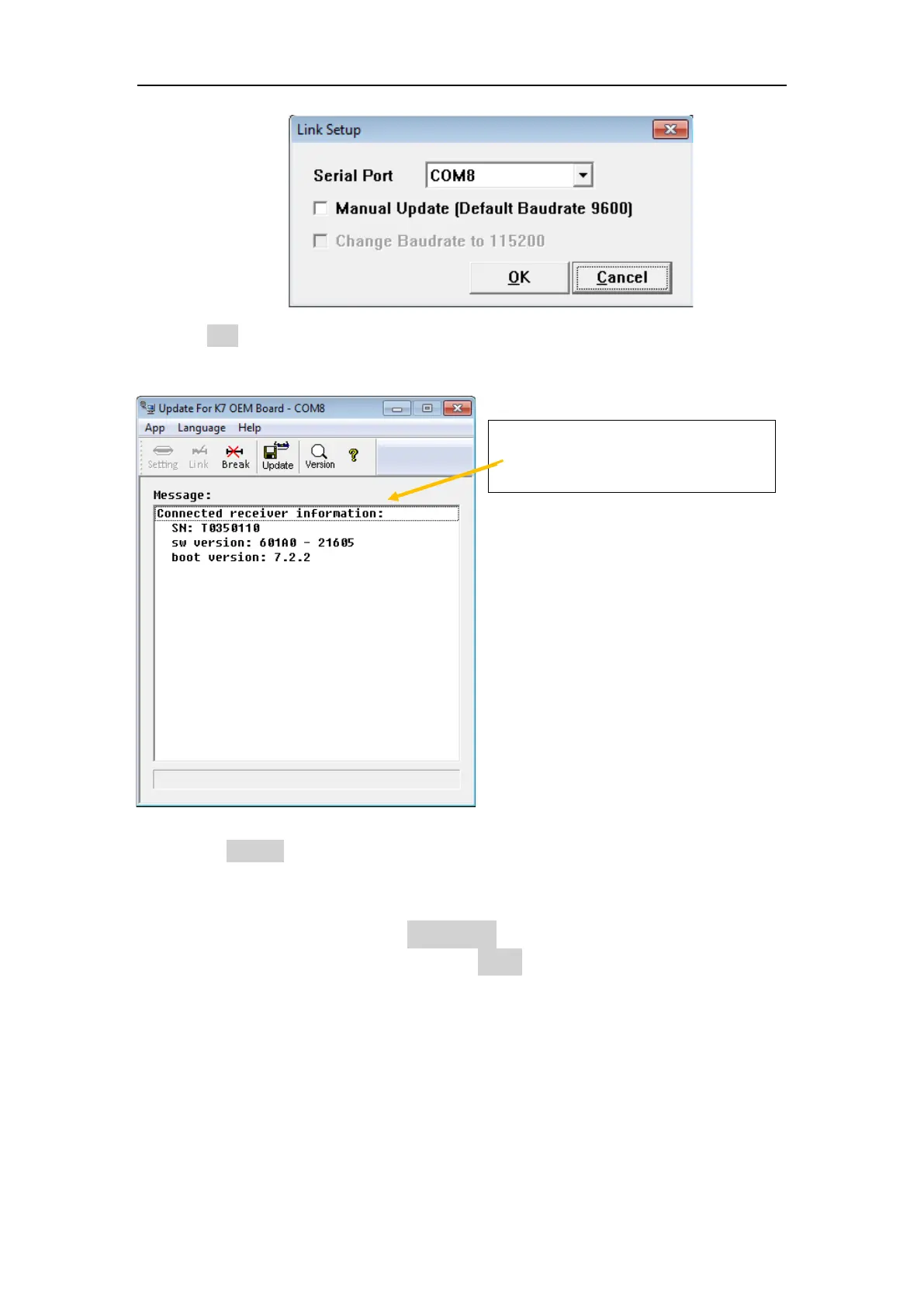
3. Click “Link” icon to build the connection (this is important to check if the T300
PLUS is connect to PC successful)
If output this receiver information
means it connection correctly
Then click “Update” icon to start the update (a few seconds are needed), during
update, the T300 PLUS will restart automatically and all LEDs on T300 PLUS should
be on.
When the progress bar is full, and “Completed!” appear below, it seems the update
has been completed and then you can click “Break” to finish the update.
Tip:K8 series T300 PLUS receivers don’t support USB cable to update firmware.



 To Next Page