3.3.3.4 Receiver Utility
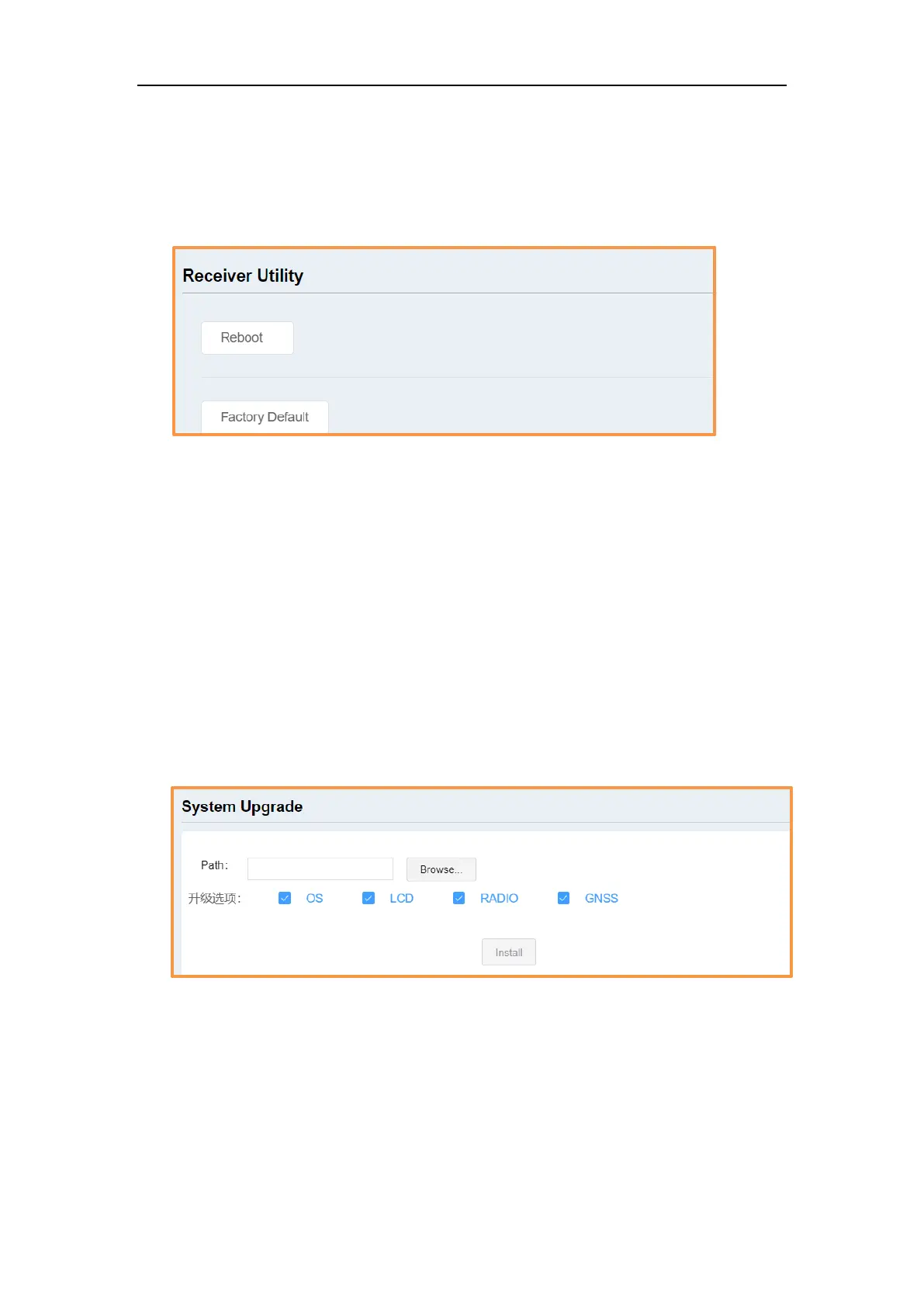
In this section, you can control T300 PLUS remotely, including:
⚫ Reboot: Restart the receiver
⚫ Factory Default: recover the receiver to factory default setting
3.3.4 Firmware update
You can update the system firmware (OS), board firmware (GNSS), front panel
firmware (LCD) and radio firmware (RADIO) in this menu. Select system, GNSS,
RADIO firmware upgrade according to your demand, then click Browse to select
the latest firmware version. Click Install, a progress bar shows 0 to 100% and status
will be “Not allowed to do other operations during the upgrade”. When
completing firmware update, the receiver will restart automatically and
information prompted below
Tips:
1. T300 PLUS receivers don’t have front LCD panel, so LCD firmware will not be
updated.
2. The supported firmware file is only *bin format.



 To Next Page