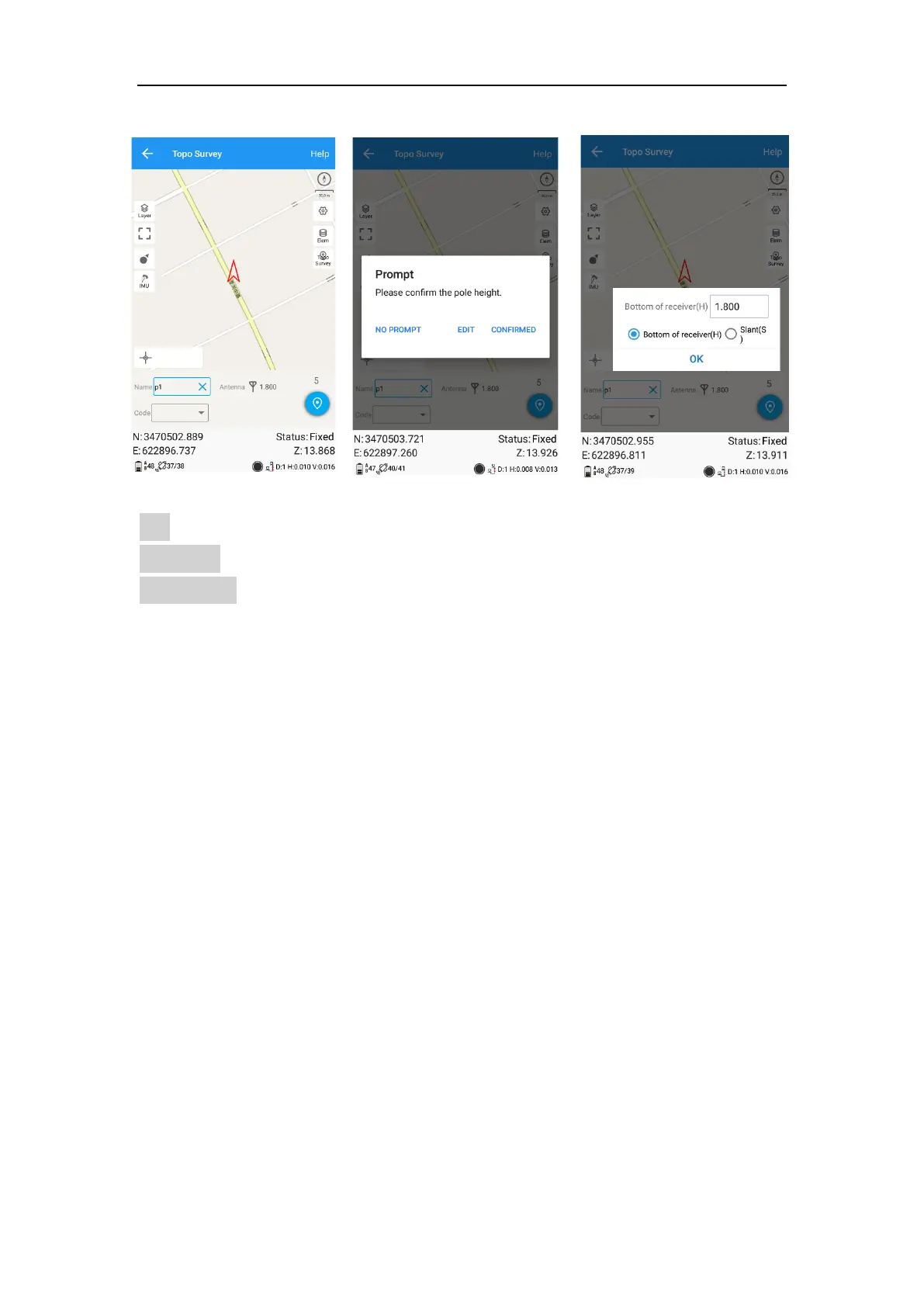
1. Open IMU: Go into Topo survey—click the button to open.
After you click IMU button, it will give you one prompt to check the antenna information.
Edit: Change the antenna information.
Confirmed: You have been confirmed the antenna information, and it is correct.
NO PROMPT: will not give this prompt next time when you do IMU calibration.
2. Initialization
If you power off the receiver or freset it, need to initialize again. After open IMU button,
you can follow the guidance in interface to complete it. During operation, make
receiver can search the satellites and get a fixed solution.



 To Next Page