INS_CNGE2+2SMS_REV– 02/19/13 PAGE 49
INSTALLATION AND OPERATION MANUAL CNGE2+2SMS[POE][HO]
TECH SUPPORT: 1.888.678.9427
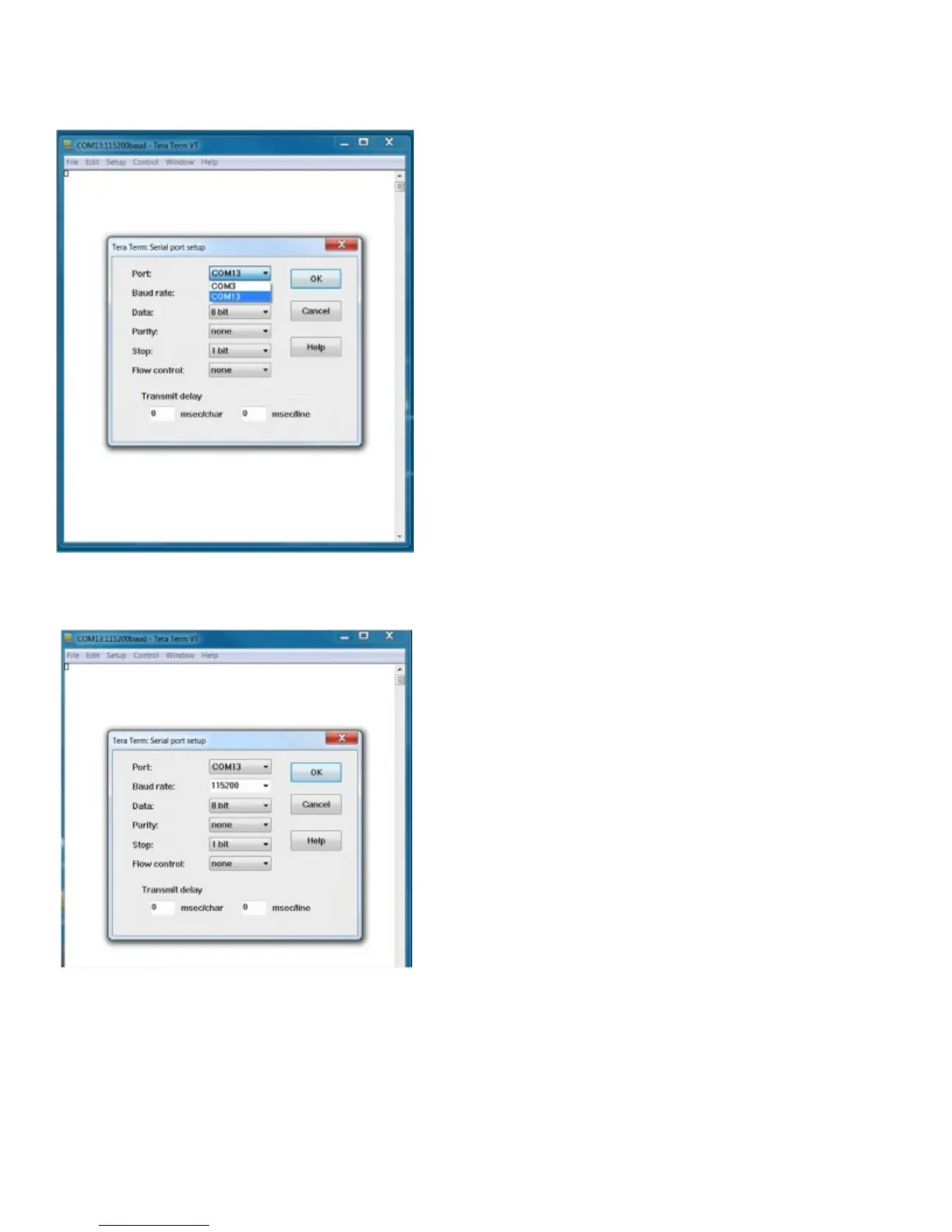
Step 3. Select the COM port number
Step 4. The COM port properties setting, 115200 for Bits per second, 8 for Data bits, None for
Parity, 1 for Stop bits and none for Flow control.
Step 5. Hit enter to initiate the connection and receive the username prompt. After entering the
username and password the console will be presented with a CLI prompt.



 To Next Page