INS_CNGE2+2SMS_REV– 02/19/13 PAGE 50
INSTALLATION AND OPERATION MANUAL CNGE2+2SMS[POE][HO]
TECH SUPPORT: 1.888.678.9427
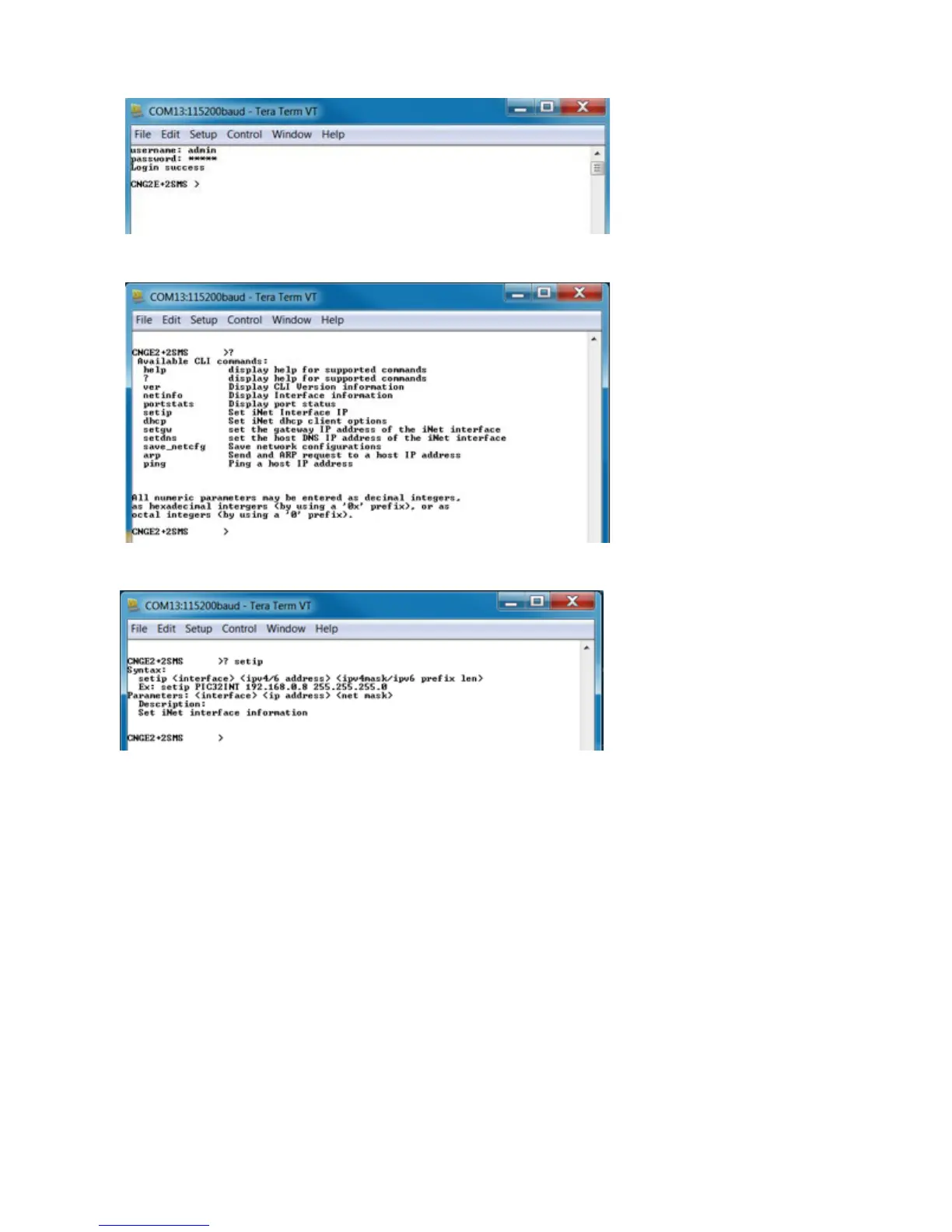
Enter “?” or “help” to list the commands
More detailed help for each command is available using help in front of the command
name.
Issuing a “netinfo” command will display the ip address of the switch
To change the network configuration using the CLI, the following commands must be used:
-setip
-setgw
-setdns
Save_netcfg if you want to save these changes in the startup configuration. Not using this
command will not save the changes persistently.



 To Next Page