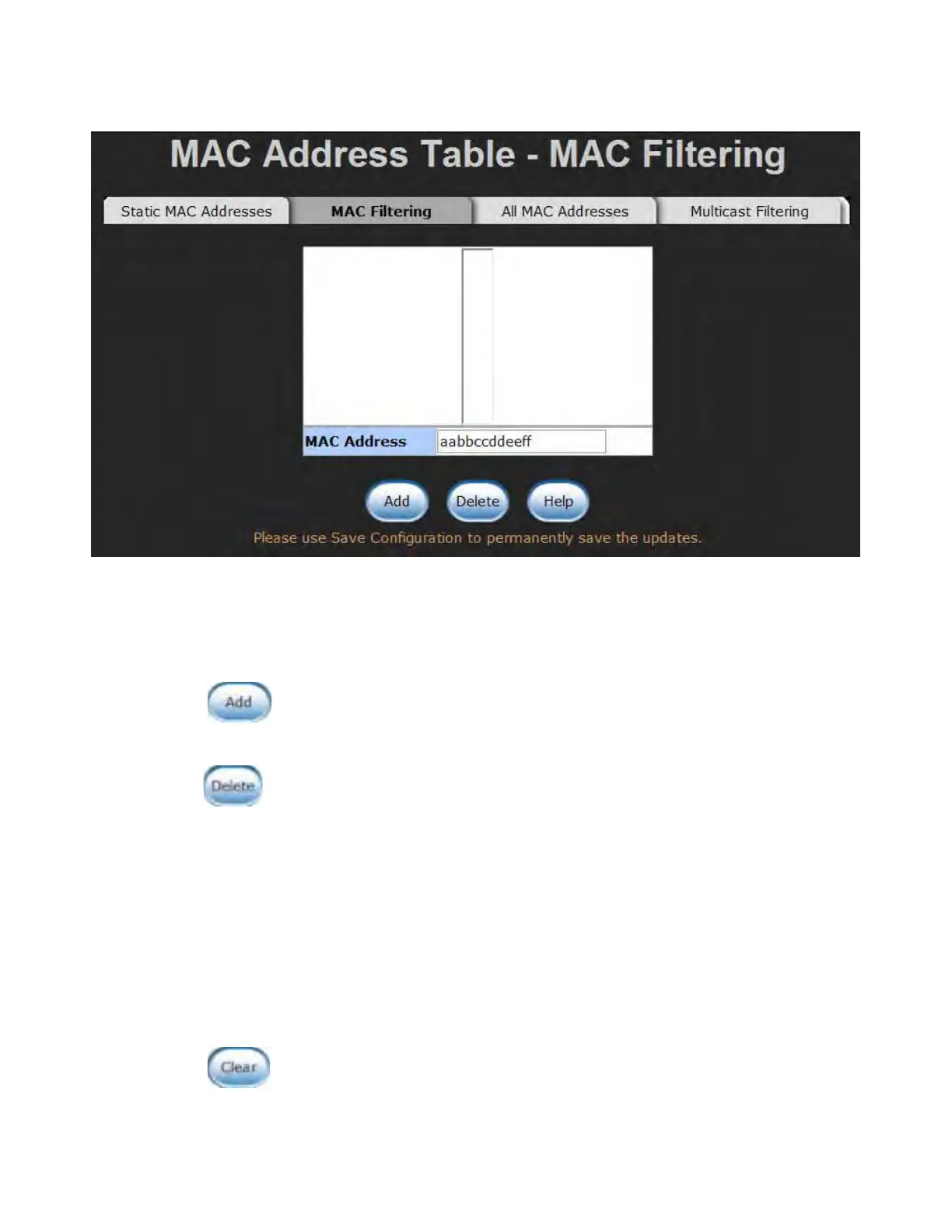
MAC Filtering interface
1. MAC Address: Enter the MAC address that you want to filter.
2. Click
.
3. If you want to delete the MAC address from filtering table, select the MAC address and
click
.
All MAC Addresses
You can view the port information of the connected device’s MAC address and related
devices’ MAC address.
1. Select the port.
2. The selected port of dynamic & static MAC address information will be displayed here.
3. Click to clear the current port static MAC address information on screen.



 To Next Page