EasyManua.ls Logo

Comnet CWGE2FE8MSPOE - CLI Management; Commands Level

Comnet CWGE2FE8MSPOE
143 pages
Print Icon
To Next Page IconTo Next Page
To Previous Page IconTo Previous Page
Loading...
18
CLI Management
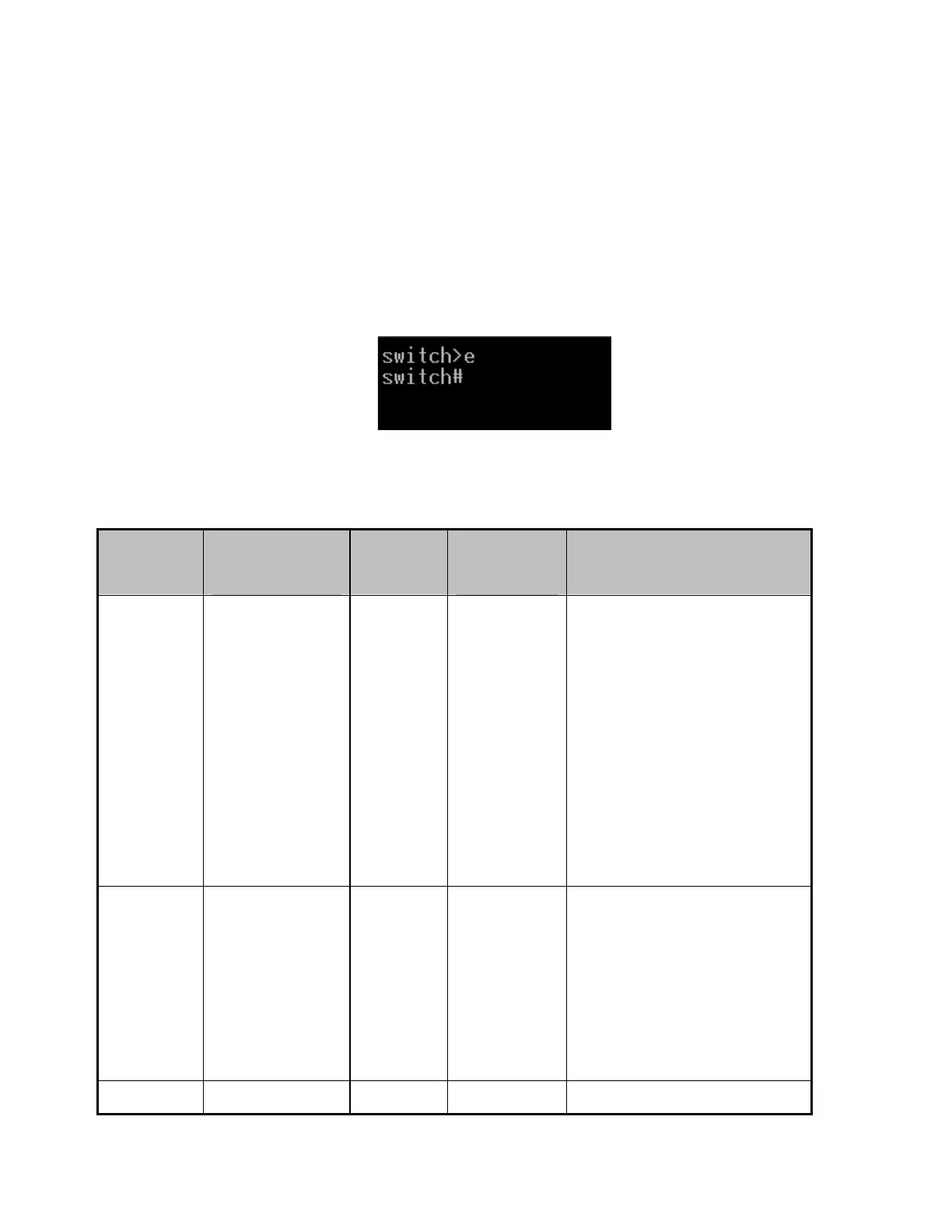
The system supports console management—CLI command. After you log in to the system,
you will see a command prompt. To enter CLI management interface, enter enable
command. The following table lists the CLI commands and description.
CLI command interface
Commands Level
Modes
Prompt
Exit
Method
About This Mode1
User
EXEC
switch>
Enter
logout or
quit.
The user commands
available at the user level
are a subset of those
available at the privileged
level.
Use this mode to
• Perform basic tests.
• Display system
information.
Privileged
EXEC
switch#
Enter
disable to
exit.
The privileged command is
in advanced mode
Privileged this mode to
• Display advanced
function status
• Save configuration
Global
switch
To exit to
Use this mode to configure

Table of Contents

Related product manuals