17
Console Management
Login in the Console Interface
When the connection between switch and PC is ready, turn on the PC and run a terminal
emulation program or Hyper Terminal and configure its communication parameters to
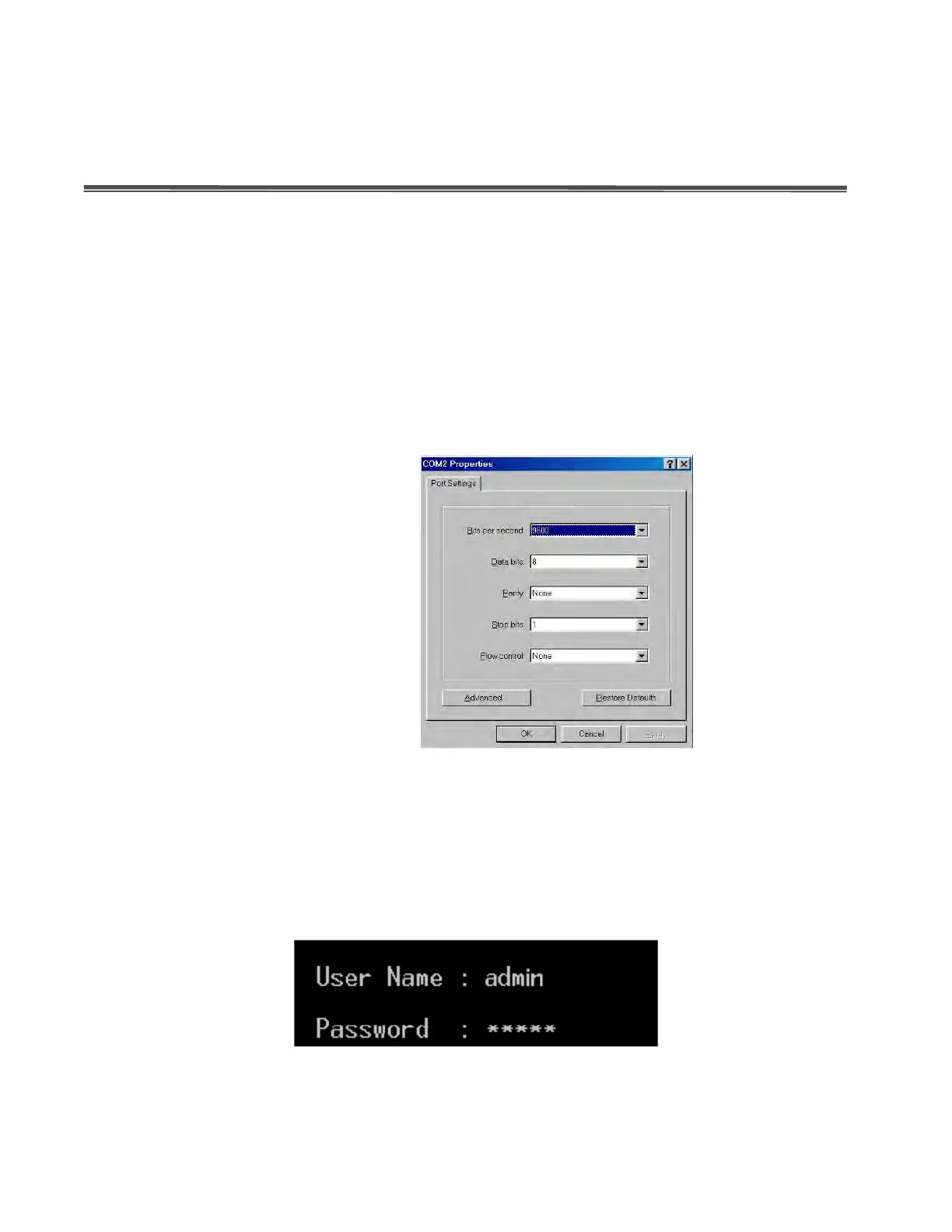
match the following default characteristics of the console port:
Baud Rate: 9600 bps
Data Bits: 8
Parity: none
Stop Bit: 1
Flow control: None
The settings of communication parameters
After having finished the parameter settings, click “OK“. When the blank screen shows up,
press Enter key to bring forth the login prompt. Key in the ‘admin’ (default value) for both
User name and Password (use Enter key to toggle), then hit Enter key and the console
management appears right after. Please see the figure below for login screen.
Console login screen



 To Next Page