live tracking active and transmitting data (when blue)
speaker (sound of variometer) is muted
satellites 3D fix is active and valid (if grey the fix is not active)
The control bar also includes some buttons that allow accessing all the features of C-Pilot PRO.
Shows the main menu. Typically, you will use
this button only before taking off to customise
C-Pilot PRO.
Shows the active display. The
icons
indicate respectively when the manual or
automatic display management is active.
In the following you will learn how to use the
displays of C-Pilot PRO (page 49).
This button shows some commands that can be
useful while flying, such as the volume controls
and the task control buttons (page 9).
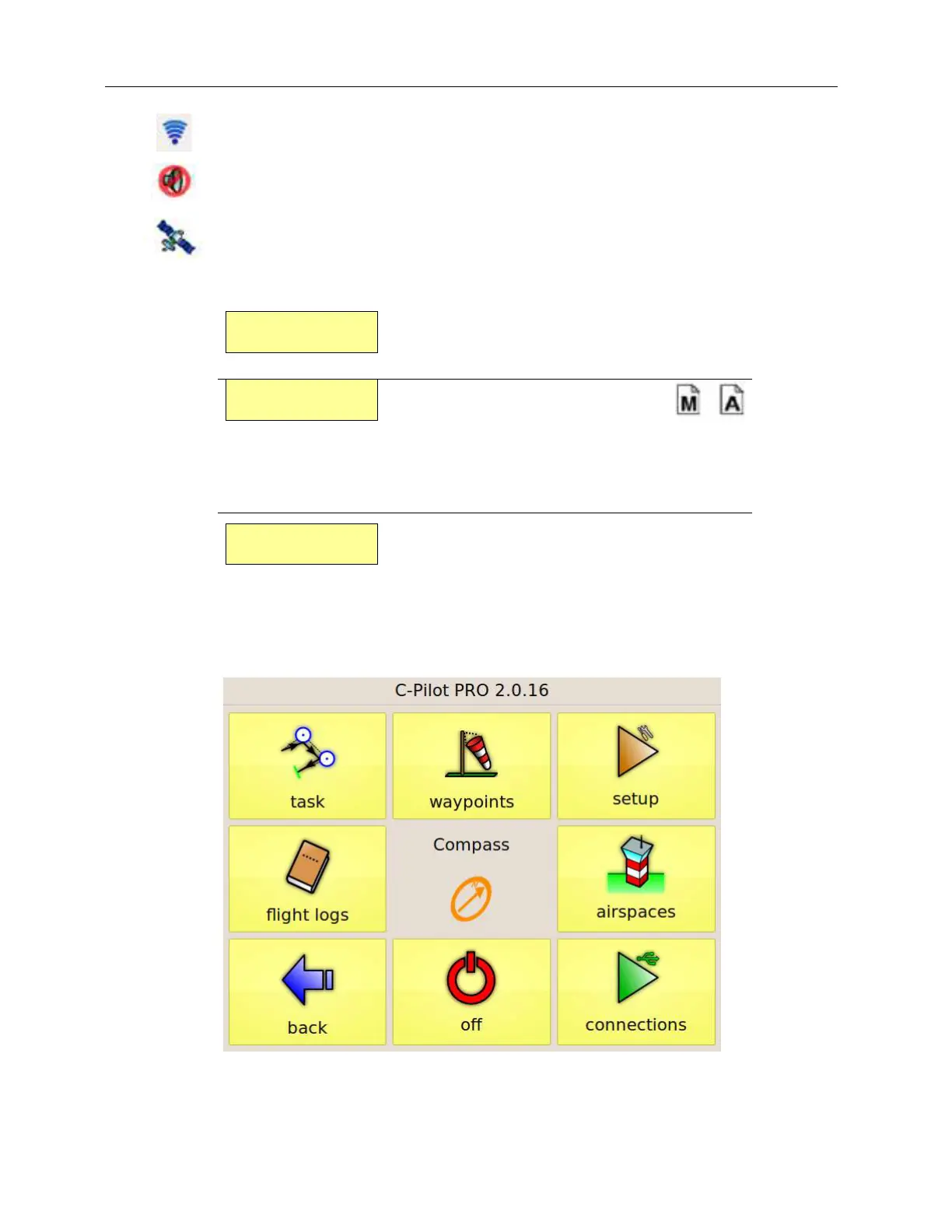
All the instrument settings are accessible via the main menu, shown in Figure 2. It shows
up when you press the C-Pilot PRO button in the navigation page. After eight seconds it disappears
automatically if you do not press any button; the navigation page will appear again.
Figure 2: the main menu



 To Next Page