Map
Map operation
This is one of the most important and complex fields. It shows the task, the track log, the waypoints,
and the terrain map. It is very useful in competition and in cross-country flights to optimise your
decisions.
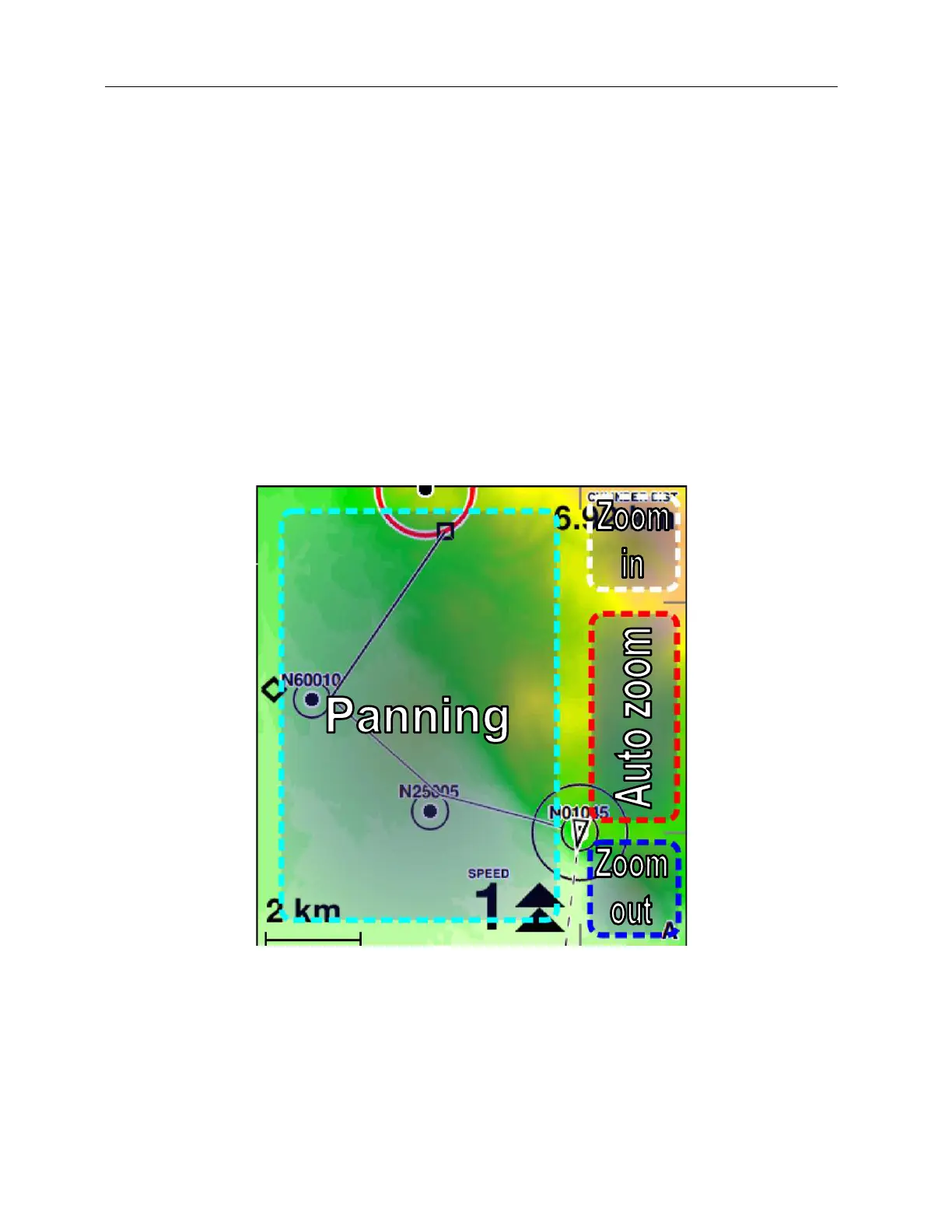
Your position is represented in the map by a triangle. Waypoints are shown as small solid circles.
Their sequence (if a task is active) is indicated by black lines. The start cylinder, if the window is still
closed, is drawn in red. When the window opens, it turns blue.
Figure 36: manual control of the map
C-Pilot EVO has an autozoom feature, signalled by a small “A” in the bottom right corner of the map,
that automatically set the map scale and the centring in order to show the relevant region depending
on the flight situation.
Before taking off the map is always north-up. If there is an active task and the autozoom is active,



 To Next Page