Connectivity
C-Pilot PRO can be connected to a PC or other devices by means of several kinds of connections:
serial RS232, USB, or BlueTooth. The serial and USB ports are located on the left side of the
device, underneath the rubber protection (Figure 5).
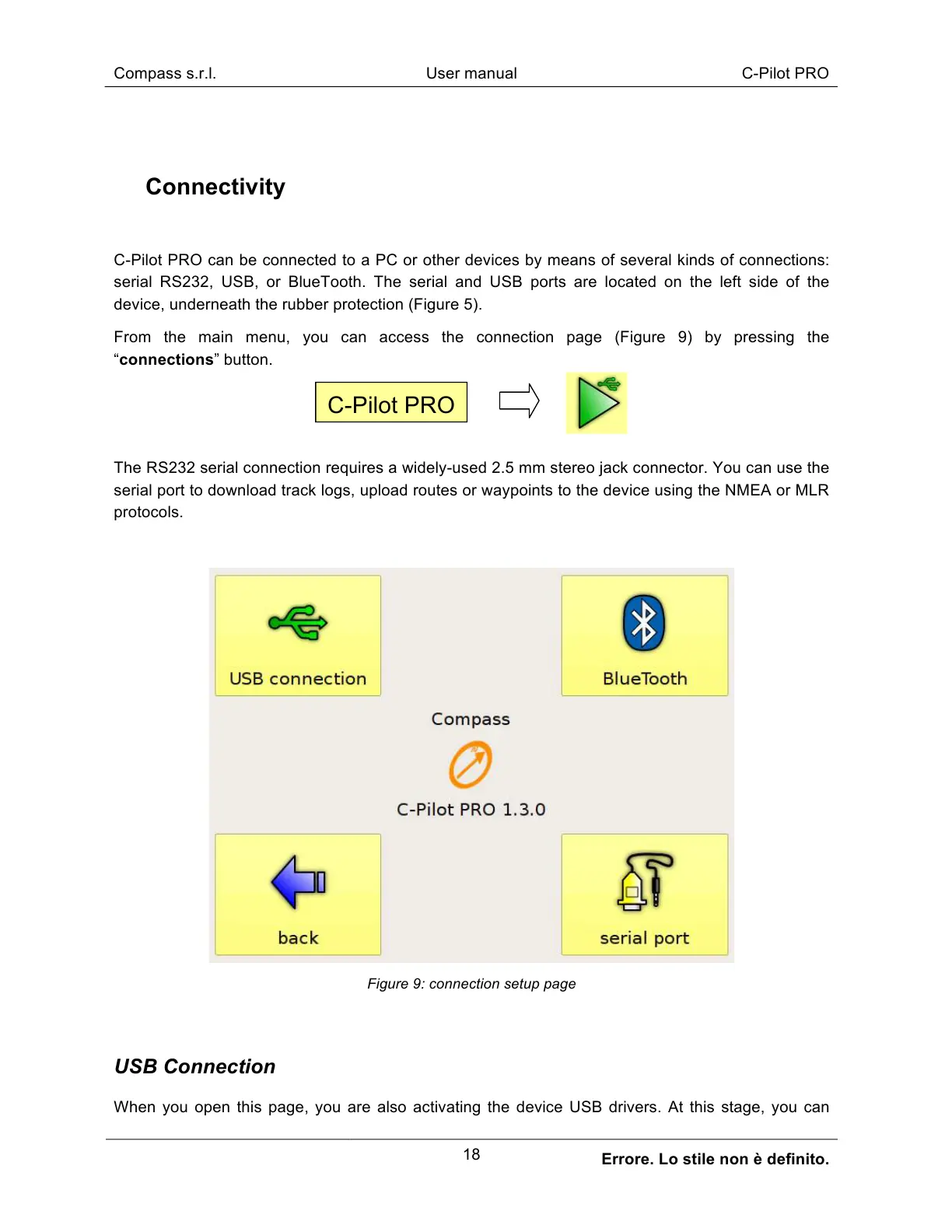
From the main menu, you can access the connection page (Figure 9) by pressing the
“connections” button.
The RS232 serial connection requires a widely-used 2.5 mm stereo jack connector. You can use the
serial port to download track logs, upload routes or waypoints to the device using the NMEA or MLR
protocols.
Figure 9: connection setup page
USB Connection
When you open this page, you are also activating the device USB drivers. At this stage, you can



 To Next Page