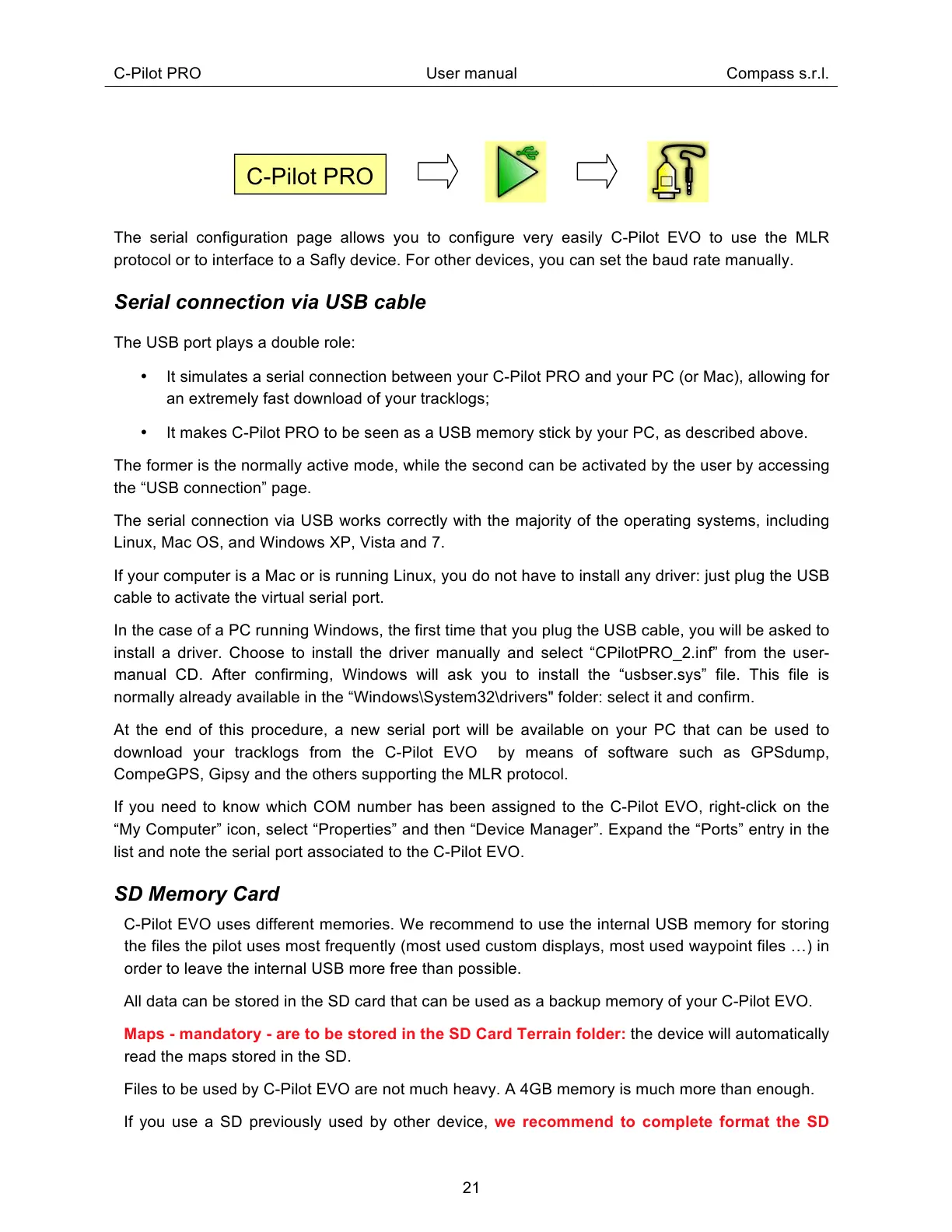
The serial configuration page allows you to configure very easily C-Pilot EVO to use the MLR
protocol or to interface to a Safly device. For other devices, you can set the baud rate manually.
Serial connection via USB cable
The USB port plays a double role:
It simulates a serial connection between your C-Pilot PRO and your PC (or Mac), allowing for
an extremely fast download of your tracklogs;
It makes C-Pilot PRO to be seen as a USB memory stick by your PC, as described above.
The former is the normally active mode, while the second can be activated by the user by accessing
the “USB connection” page.
The serial connection via USB works correctly with the majority of the operating systems, including
Linux, Mac OS, and Windows XP, Vista and 7.
If your computer is a Mac or is running Linux, you do not have to install any driver: just plug the USB
cable to activate the virtual serial port.
In the case of a PC running Windows, the first time that you plug the USB cable, you will be asked to
install a driver. Choose to install the driver manually and select “CPilotPRO_2.inf” from the user-
manual CD. After confirming, Windows will ask you to install the “usbser.sys” file. This file is
normally already available in the “Windows\System32\drivers" folder: select it and confirm.
At the end of this procedure, a new serial port will be available on your PC that can be used to
download your tracklogs from the C-Pilot EVO by means of software such as GPSdump,
CompeGPS, Gipsy and the others supporting the MLR protocol.
If you need to know which COM number has been assigned to the C-Pilot EVO, right-click on the
“My Computer” icon, select “Properties” and then “Device Manager”. Expand the “Ports” entry in the
list and note the serial port associated to the C-Pilot EVO.
SD Memory Card
C-Pilot EVO uses different memories. We recommend to use the internal USB memory for storing
the files the pilot uses most frequently (most used custom displays, most used waypoint files ) in
order to leave the internal USB more free than possible.
All data can be stored in the SD card that can be used as a backup memory of your C-Pilot EVO.
Maps - mandatory - are to be stored in the SD Card Terrain folder: the device will automatically
read the maps stored in the SD.
Files to be used by C-Pilot EVO are not much heavy. A 4GB memory is much more than enough.
If you use a SD previously used by other device, we recommend to complete format the SD



 To Next Page