before using (and not use the “fast format” option) it in the C-Pilot EVO (could happen that if
SD card was previously used by a Gopro, a Mac or other devices as cameras of many brands,
some “ghost” files could be stored inside: the C-Pilot EVO will try to run these files and could
become slow, freezes or refuses to use the SD). Please control the SD card is not locked by it’s
side button before use it.
Once the SD is virgin or formatted as virgin, you can insert it in the C-Pilot EVO’s slot (right side):
push it till you hear a smooth “Click” that confirms it is well stored inside the device. The C-Pilot
EVO will ask you to format the SD card. Push the button YES end wait a second: the SD is
ready for use. Switch the instrument off before pulling out the SD Card after first use in C-Pilot
EVO. Now you can store terrain maps inside the Terrain folder of your C-Pilot’s Sd memory Card.
C-Pilot EVO GPRS will send your data (position, speed, ) in real time for live tracking. Set up the
device is very easy. It is necessary, first, to insert the SIM card inside the slot on right side of C-Pilot
EVO (push it till you will hear a smooth “Click”)
It is necessary to be (previously) registered in the www.livetrcak24 website.
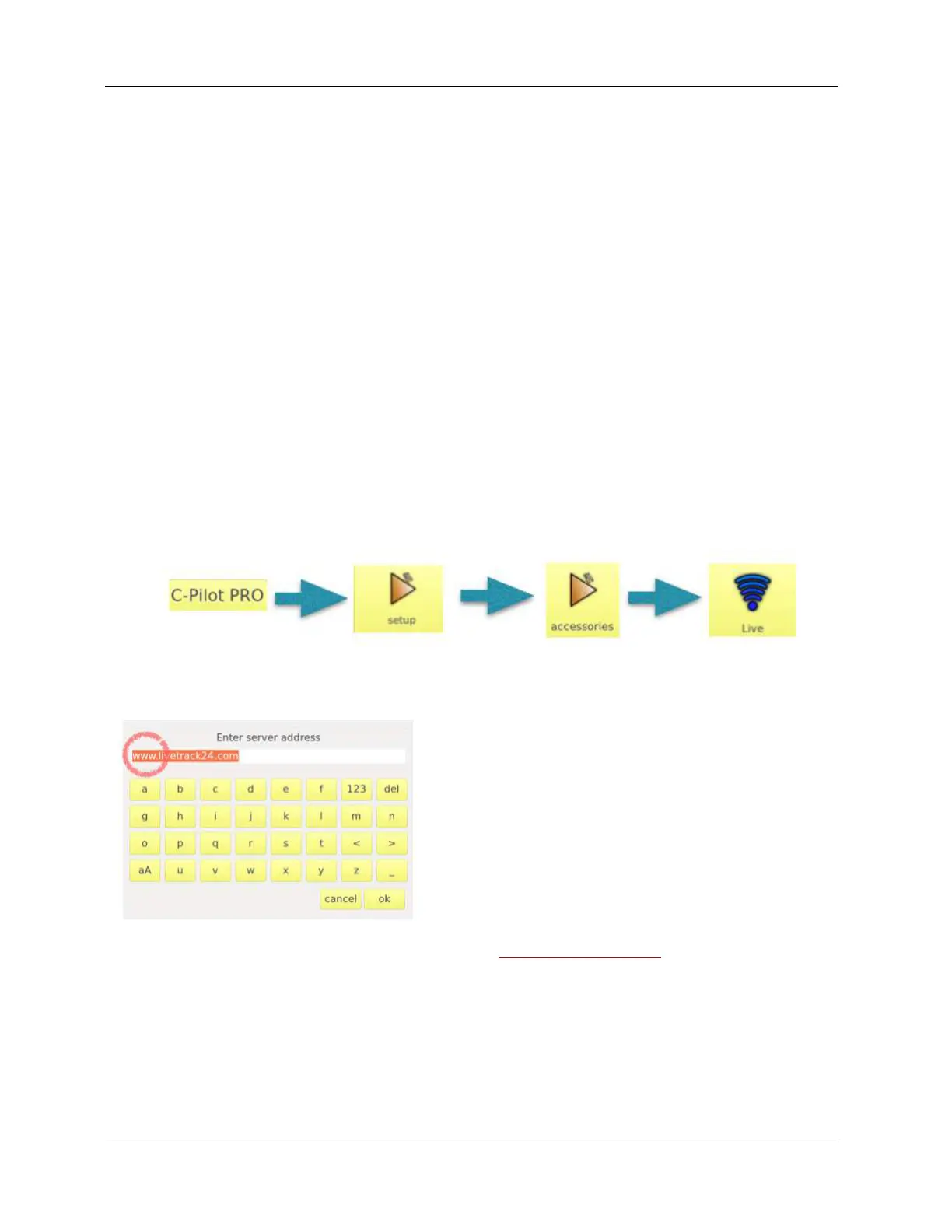
Go in the LIVE page of C-Pilot EVO:
complete the fields by clicking on them and using the C-Pilot’s keyboard:
1) press server button and write the name of server www.livetrack24.com. ATTENTION: control
that is WWW and not TEST!
2) Enter, in the same way, your username and password (the ones you have registered with to
livetrack24 website)
3) choose the interval time the device will send to the server the packets of data (15 to 25 seconds
is a good compromise).
4) enter the APN (the APN depends on the telephonic company of the SIM card: verify it by



 To Next Page