Top and Base altitude settings
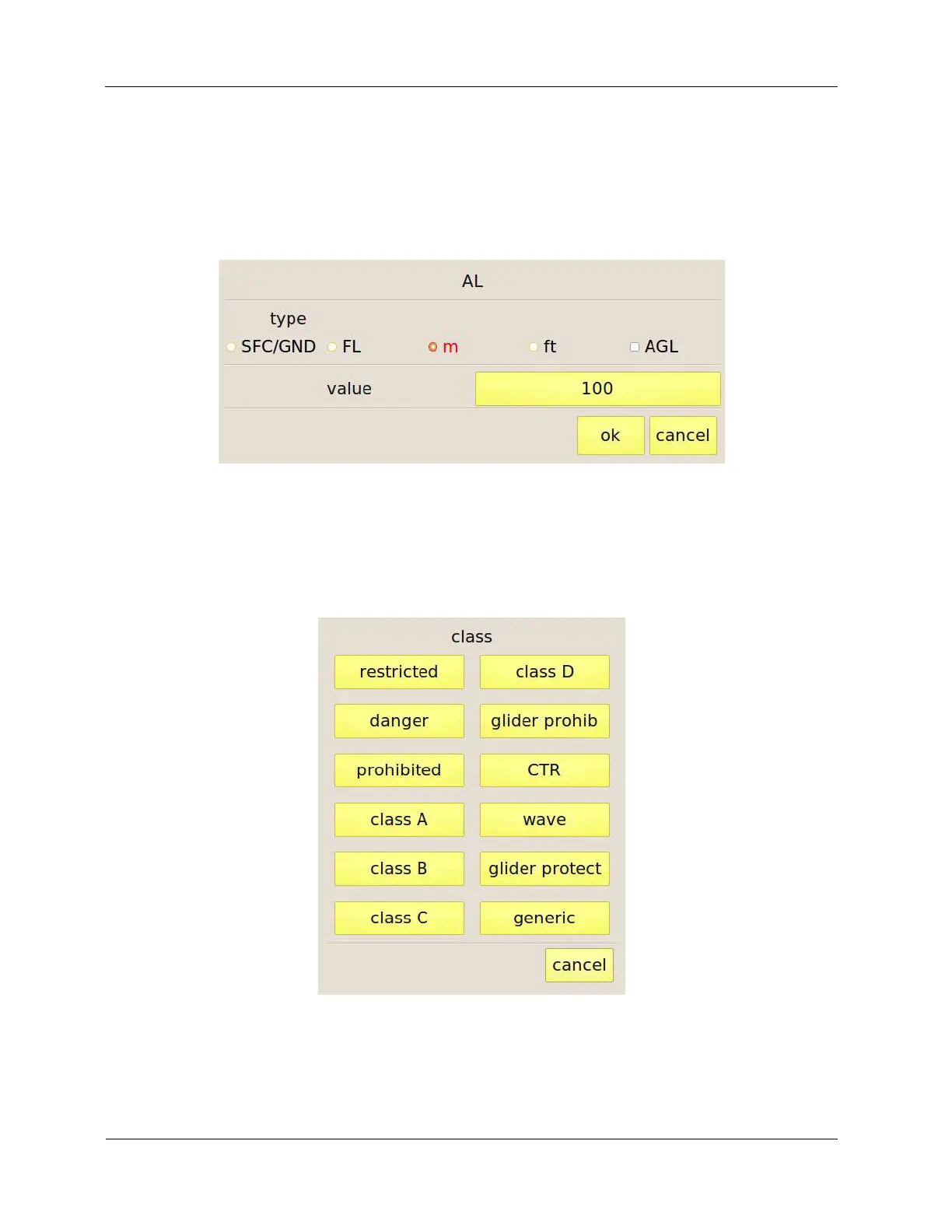
By pressing the “AH” ed “AL” buttons C-Pilot EVO shows the altitude editing window (Figure 34).
Altitudes (of the base in the case shown in the figure) are entered by type: from ground level
(SFC/GND), as a flight level (FL), in meters or feet (m or ft) or as altitude above ground level (AGL).
The value can be set by the button on the right of the label “value”.
Figure 34: setting the altitude of the base of an airspace.
Class setting
Pressing the “class” button, you will be asked to enter the class of the airspace, selecting it from the
list shown in Figure 35.
Figure 35: airspace class setting.



 To Next Page