coordinates. By selecting an airspace from the list and pressing the “edit” button, you can edit the
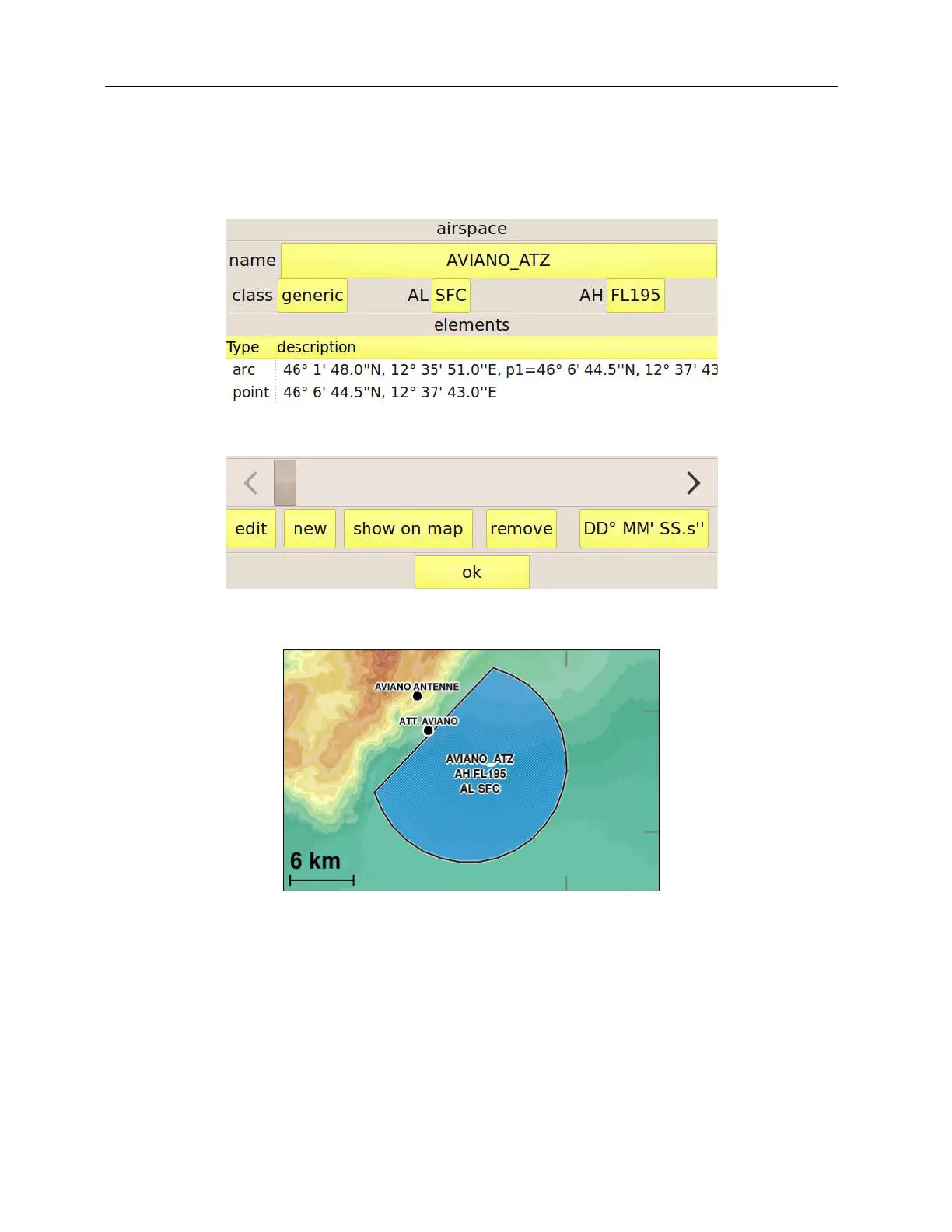
elements composing the selected airspaces or adding new ones by means of the page shown in
Figure 32. The latter figure shows, for example, the Aviano ATZ airspace (see Figure 33), which is
composed of an arc and a point.
Figure 32: airspace editing page.
Figure 33: the airspace that is being edited.
The “name”, “class”, “AH”, and “AL” buttons change the relative items of the airspace that you are
editing. The list shows the elements that compose the airspace. The “edit” and “remove” buttons
allows editing or removing the selected element. New elements can be added by means of the
“new” button. “Show on map” opens a fullscreen map centered on the airspace that you are editing
in order to allow you to verify its shape.



 To Next Page