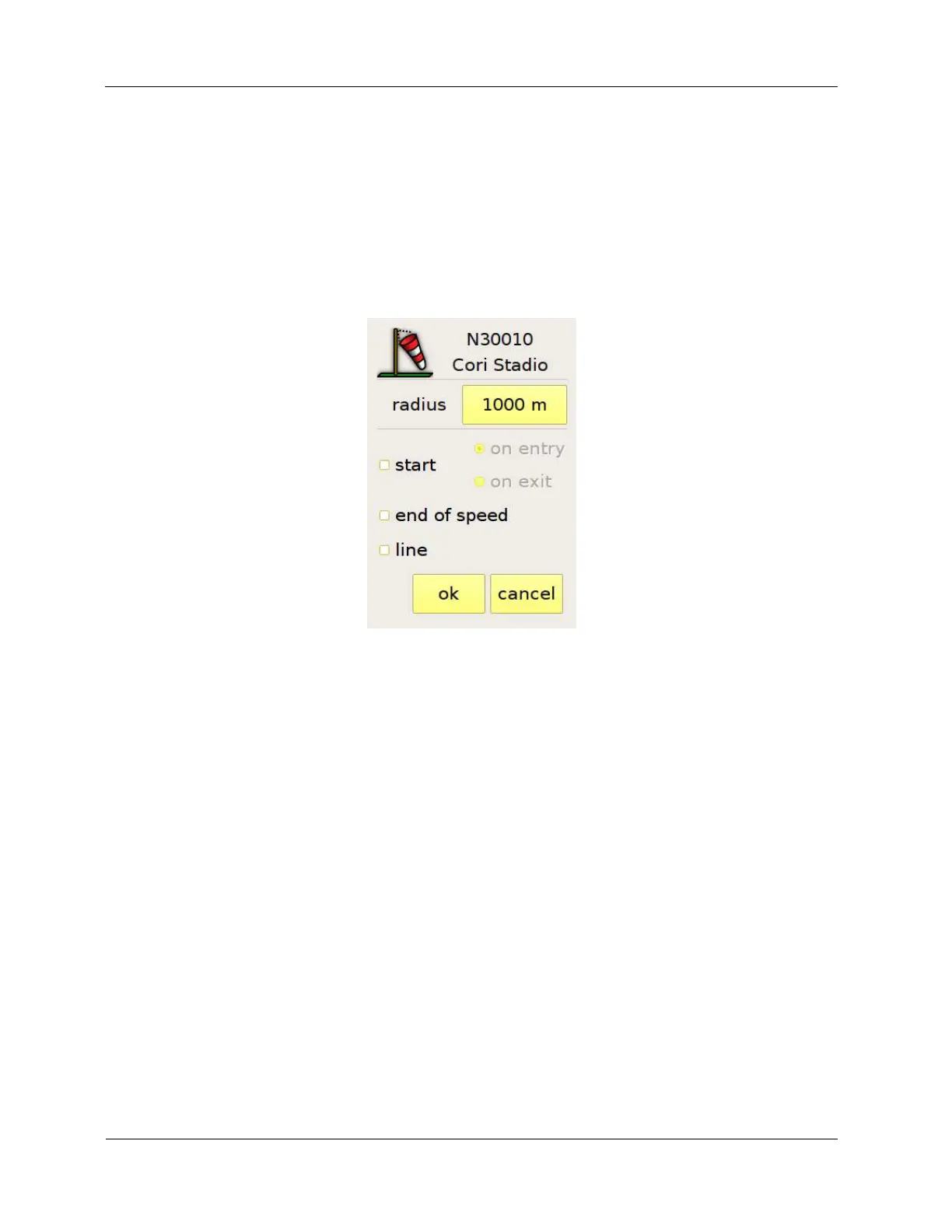
If the start waypoint must be validated also as a normal turnpoint, you have to enter it twice: the first
time marking it as start and assigning it the start radius, the second time with the normal turnpoint
radius, exactly as it would appear on the briefing panel. The last value of the radius that you enter
becomes the default value in order to speed up the procedure.
While you enter the task, the list in the task page (Figure 15) will show you the name of the waypoint
(if you touch the “name” button, C-Pilot EVO will show the description of the waypoint rather than
the name), total distance, the distance to the previous waypoint and the details (e. g.: SS = start,
ES = end of speed section).
Figure 19: turnpoint details
For each waypoint, it is possible to choose if it has to be validated on entry or on exit. C-Pilot EVO
will optimize the route taking into account both cases.
When needed, you can change the order of the turnpoints by means of the “up” and “down” buttons
on the left of the list. You can also remove a waypoint from the list or change its details.
The button in the top right corner of the page determines the kind of start. You can choose among
Race to Goal, Elapsed Time, and Clock start (Figure 20).



 To Next Page