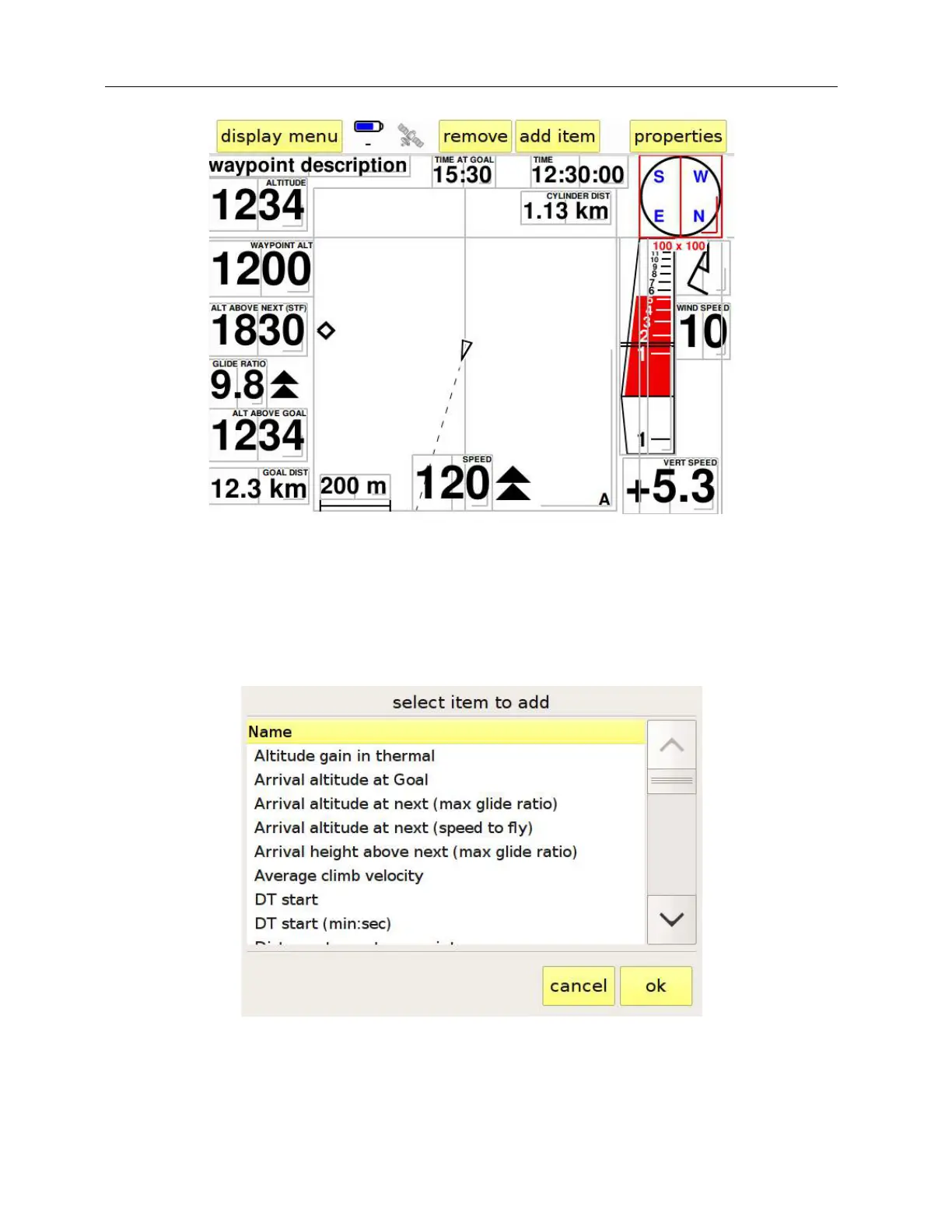
Figure 26: editing a display
To remove a data field from the display, just touch it to activate it (its border turns red) and press
“remove” from the control bar at the top of the screen.
Figure 27: list of the items that can be shown
To add another field to the display, press “add item”. A list (Figure 27) will appear showing all the



 To Next Page