Technical Information on On-board Flash Programmer FP-40 Aug. 31, 2023 (Second edition)
27
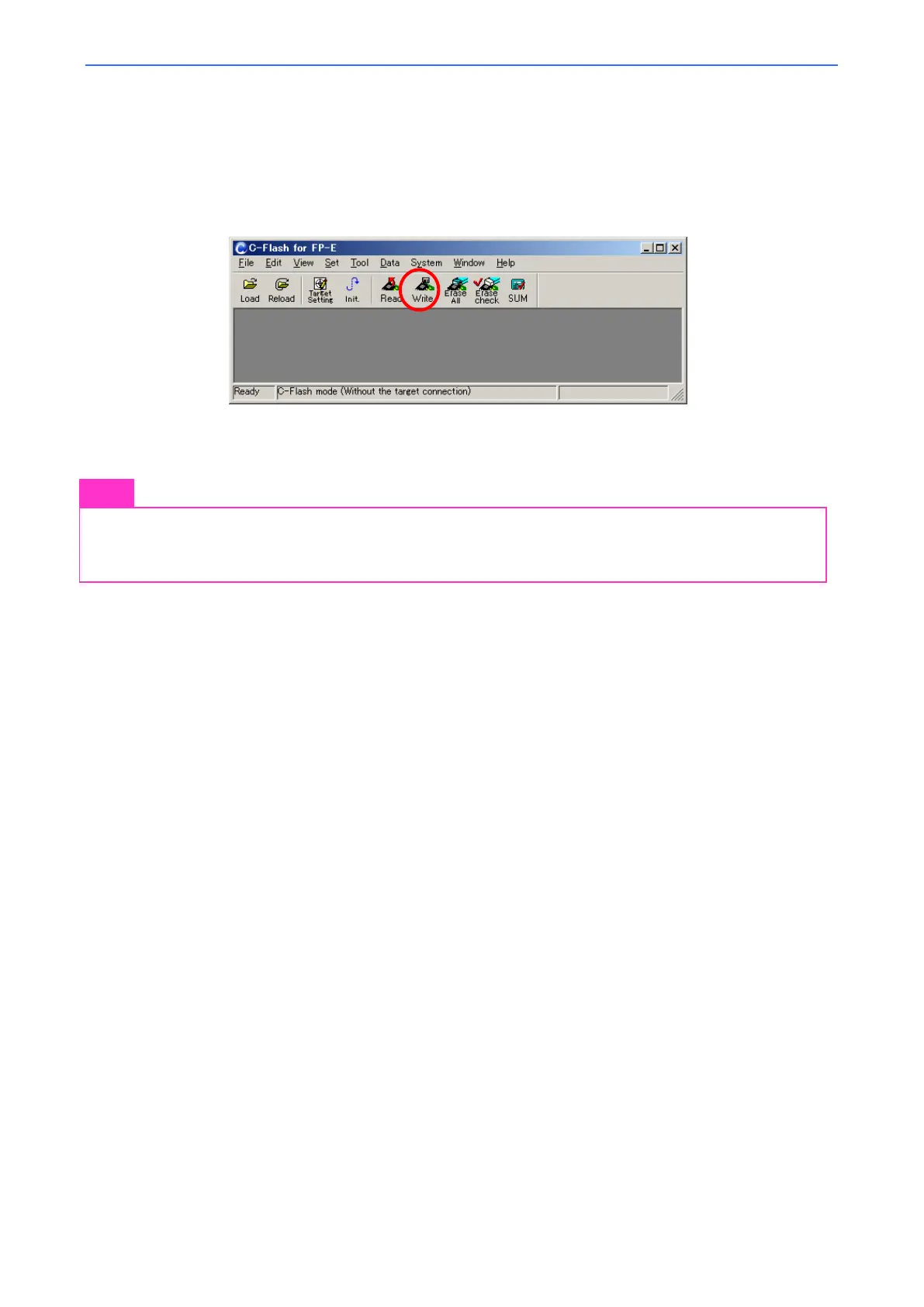
Press the [Write] button to reflect these setting in FP-40 (Otherwise, these settings will not be reflected in
Standalone-mode).
If [Write] is grayed out and can not be pressed, refer to "4.3 Target System Settings" and "3.2.2 Specifying the data (file)
for writing into on-chip flash memory" in "Onboard Flash Memory Programmer FP User's Manual"to make various
settings of C-Flash until the [Write] button becomes enabled.
Press the [Write] button.
Done.
Note
The external I/O settings are saved in the C-Flash project file. If C-Flash is launched with a project file
in which external I/O functions are disabled, and if a
is performed on FP-40 on which external
I/O functions are enabled, the external I/O function will be disabled according to the settings in the
project file.



 To Next Page