- 18 -
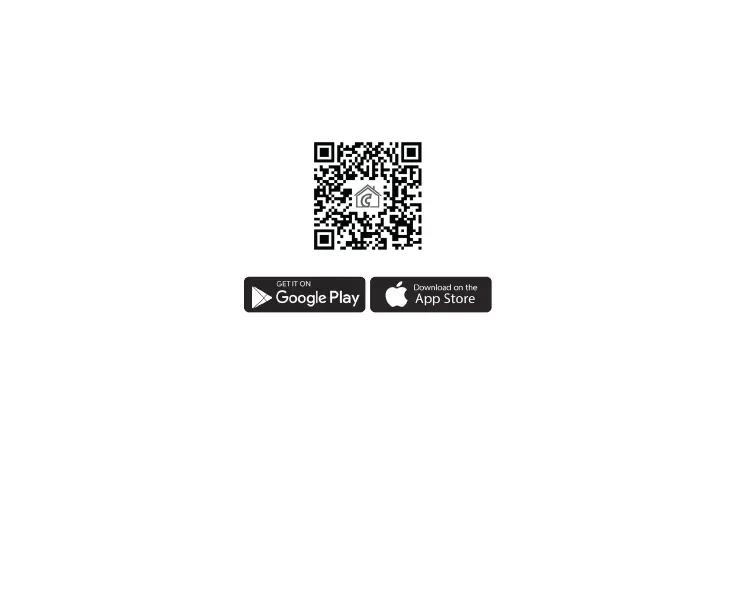
E Series can be downloaded to iOS and Android operating systems.
The applications are accessible through the following link or using a QR code:
https://computherm.info/en/wi-_thermostats
Attention! In addition to English, the application is also available in Hungarian
and Romanian languages, and is automatically displayed in the language cor-
responding to the default settings of the phone (in case of default settings are
other than these three languages, it is displayed in English).
8.2. Connecting the thermostat to a Wi-Fi network
To be able to control the device remotely, you need to be connected to the
Internet via a Wi-Fi network. The already congured
COMPUTHERM
E400RF
can work according to a pre-set program without the need for a permanent
Internet connection.



 To Next Page