- 26 -
- wait 15 seconds until the thermostat display returns to the main screen,
or
- scroll through the settings by pressing the button.
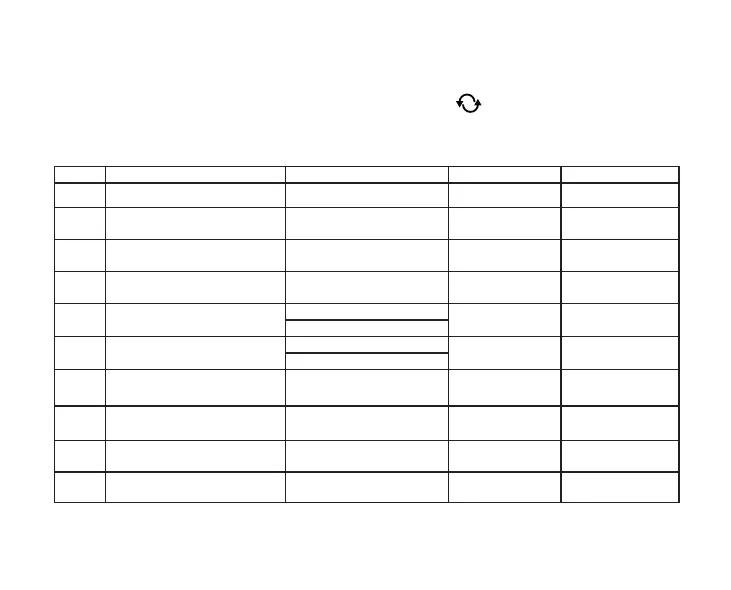
The setting options are shown in the table below:
Display Function Setting Options Default Setting Detailed Description
DIF Selecting switching sensitivity 0.1 - 1.0 °C 0.2 °C
Chapter 11.1
SVH Dening maximum settable temperature 5 – 99 °C 35 °C ----
SVL Dening minimum settable temperature 5 – 99 °C 5 °C ----
ADJ Calibration of the temperature sensor -5 – +5 °C 0 °C Chapter 11.2
FRE Antifreezing
00: OFF
00 Chapter 11.3
01: ON
PON
Memorizing ON/OFF status in case of a
power failture
00: OFF
01 Chapter 11.4
01: ON
LOC Setting the keylock funcion
01: only On/O button works
02: all buttons locked
02 ----
FUN
Changing between heating or cooling
mode
00: heating
01: cooling
00 Chapter 11.5.
SNP Synchronization with a receiver unit
00: disable synchronization
01: enable synchronization
00 Chapter 7.3.
FAC Resetting to factory default
00: Resetting to factory default
08: Saving settings
08 Chapter 11.6



 To Next Page