DMD1050 Satellite Modem Board Web Browser
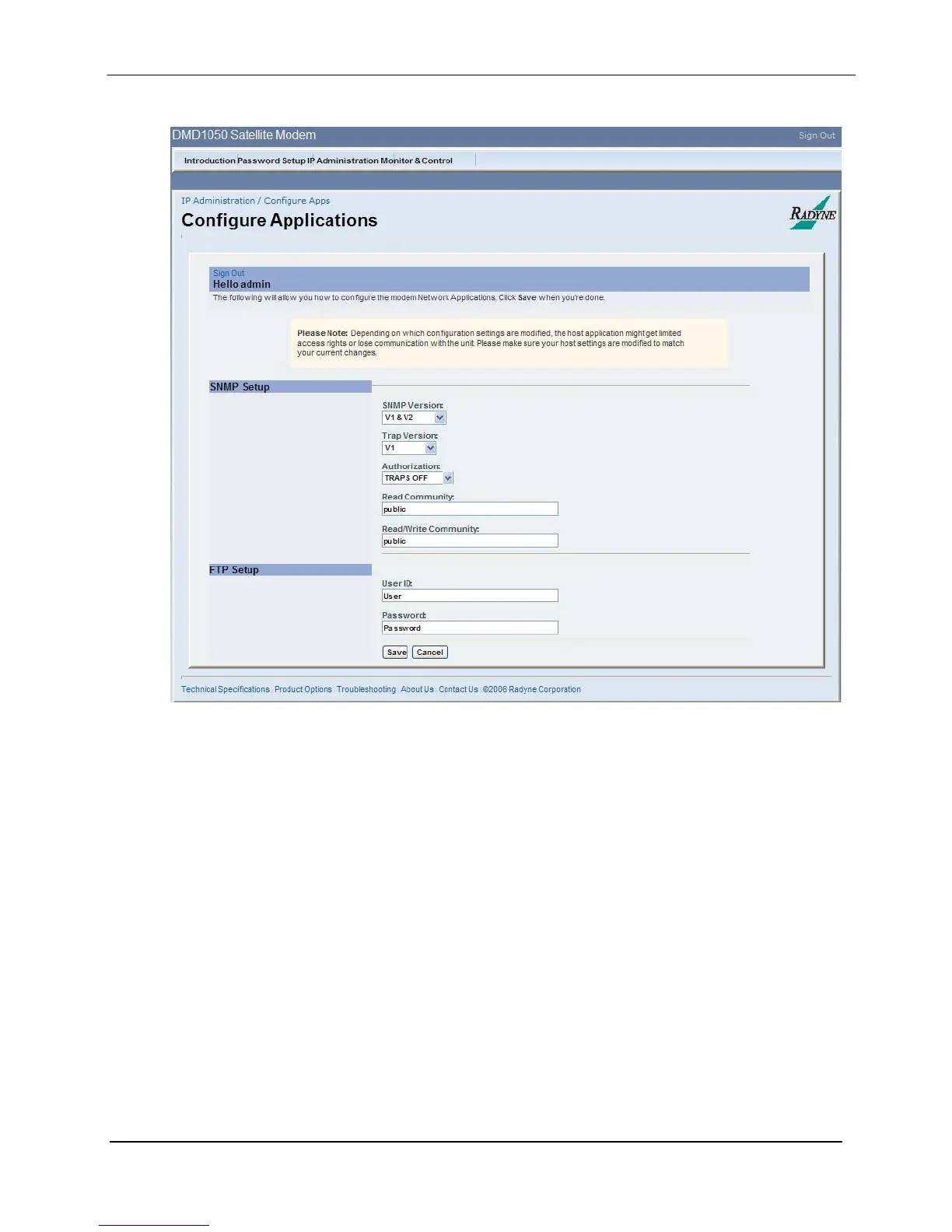
Configuring Applications
Figure 7-7. Configuring Applications
SNMP Setup:
SNMP Version: {V1 & 2, V3} Default = V1 & V2
Trap Version: {V1 & 2} Default = V1
Authorization: {TRAPS ON, TRAPS OFF} Default = TRAPS OFF
Read Community: {Public} Default
Read/Write Community: {Public} Default
FTP Setup:
UserID: User
Password: Password
MN-DMD1050 7–11
Revision 9



 To Next Page