DMD1050 Satellite Modem Board TCP/IP Ethernet Setup
8. MODEM EADDR: This displays the Modem (Unit) Ethernet Address. The Modem Ethernet
Address is configured at the factory. It is a unique Radyne equipment identifier Address.
Example: 0010650903EB
9. ETHER RATE: This displays the current Ethernet port data rate. If multiple rates are available,
then a selection can be made to specify the Ethernet port data rate (10BaseT). Example Ethernet
port Data Rate: 10 MBPS/HD
C.3 Network Configuration Summary
If the above steps were followed and the information was entered, then the following would be
the TCP / IP configuration summary for a ‘no router specified’ setup:
1. Boot Mode = NON-VOL
2. Bootp Server Tag = 206
3. Modem Host= DMD20
4. IP Address Mask = 255.255.0.0
5. Modem IP Address = 172.18.100.215
6. Server IP Address = 172.18.4.250
7. Router IP Address = 010.000.001.001
8. Modem Ethernet Address= 0010650903EB
9. Ethernet Rate = 10 MBPS/HD
C.4 Ethernet Test
Connecting the Modem Ethernet Cable to a Network Link
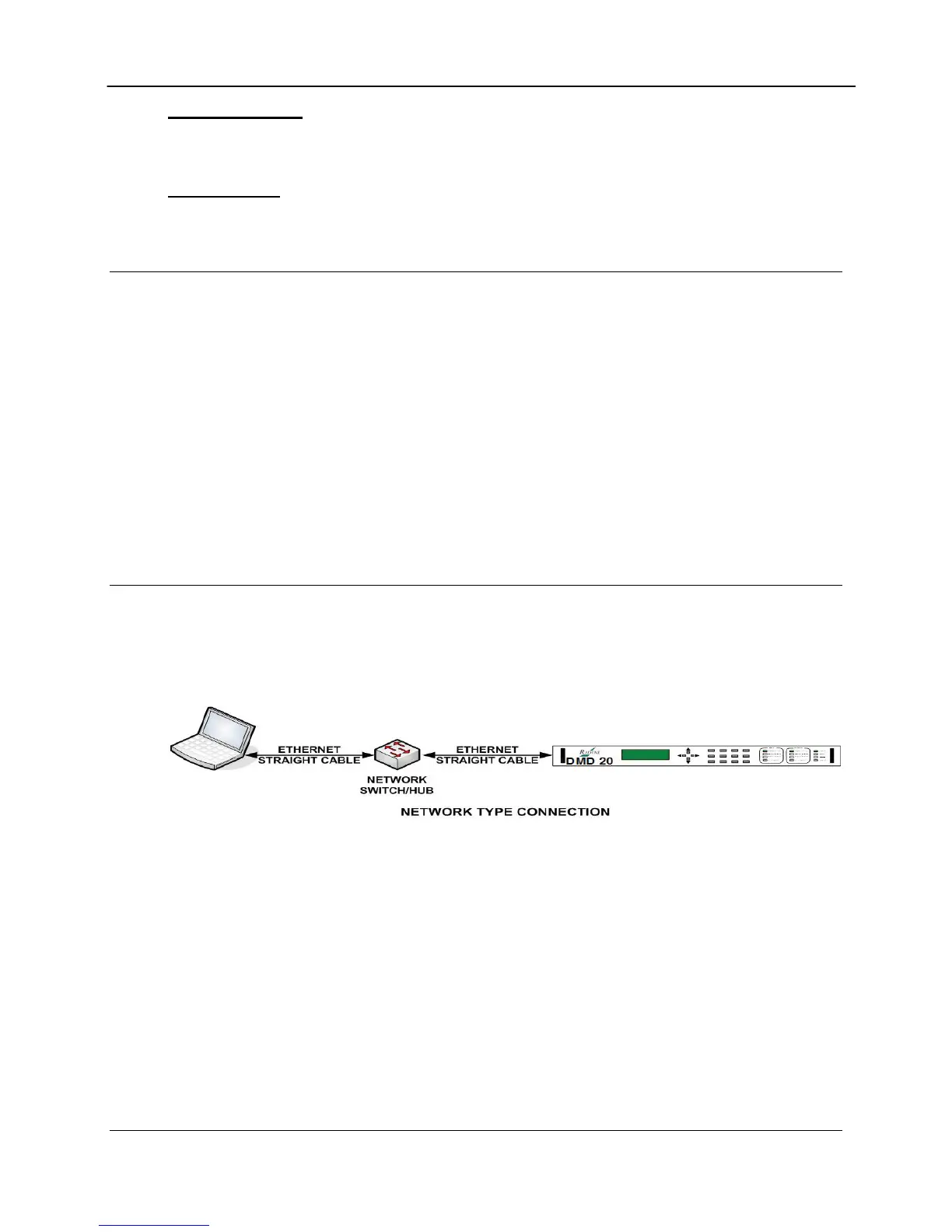
1. Connect the Network Switch (Hub) to the Modem Ethernet port (J9) using standard RJ-45
to RJ-45 10BaseT (CAT-5) Cables as shown below.
DMD20 Ethernet Network Connection
Connecting the Modem Ethernet Cable Directly to a Computer (without a Network)
You can connect to the equipment directly without connecting to a network. This occurs at
remote sites where a network is not available. Use an Ethernet Crossover (Null) cable to connect
directly.
MN-DMD1050 C–3
Revision 9



 To Next Page