DMD1050 Satellite Modem Board Web Browser
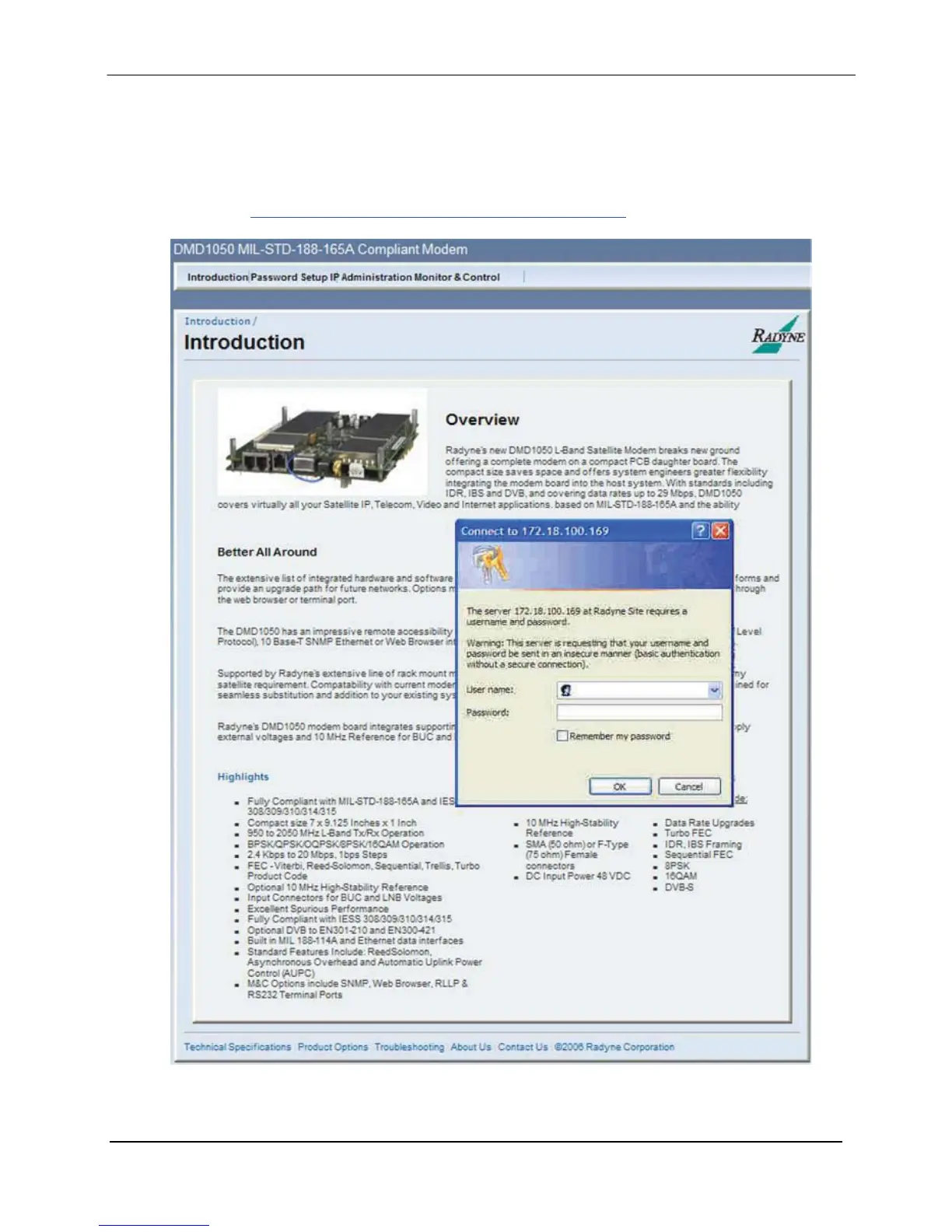
7.3.1.1 Login Screen
Upon initially accessing the Password Setup, IP Administration and Monitor & Control
configuration menu tabs a login prompt will appear. In order to gain access to any of the
configuration menus, log in with the correct user name and password. (The factory default login
name is “admin” and the default password is “admin”). For further information on setting user
profiles see Section 7.2.3 IP and Application Administration Menu.
Figure 7-3. Login Screen
MN-DMD1050 7–6
Revision 9



 To Next Page