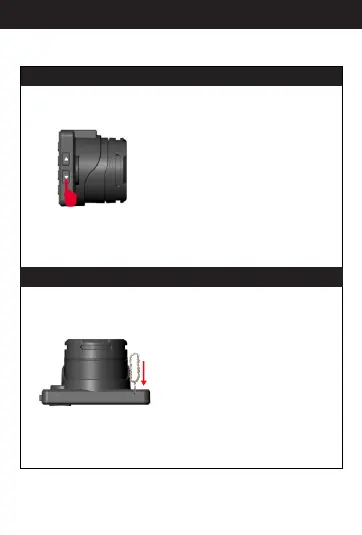
E.Select up/down
F. Reset
If the camera malfunctions for
any reason, You can use the
included pin to push the reset
button to reset. When resetting is
successful, the camera will turn
off right away. Then, you need
to press the “power” button to
turn on the camera again.
In menu/mode mode, press
“up/down” button, then you
can choose the menu items.
9
Button specification



 To Next Page