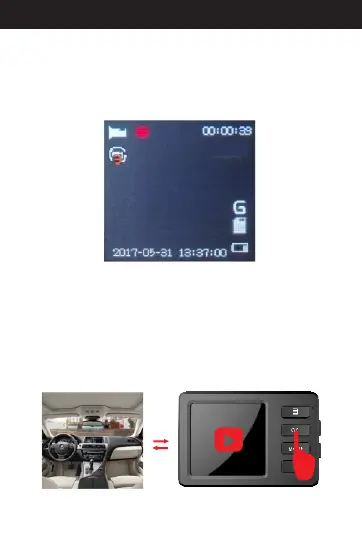
1. How to Record Manually
2. How to Record while Charging
.
Press and hold the power button to turn on the
camera into standby mode, and press the “OK” button
to start recording. Then, you'll see a flashing red icon
on the screen. While recording, pressing the “OK”
button will stop the recording and save the video.
In this mode, you don't need to turn on the camera or
record manually first. Plug it into charging port or
connect to the car charger, the camera will start up
automatically to record. While recording, pressing
the “OK” button will stop the recording back to
standby mode.
HD
12
Directions for your Conbrov T17 Camera



 To Next Page