18
Region: NA/UK/MKK depending on the region.
Wireless Band selection: Auto or Manual option. Auto is recommended.
Wireless Channel: Wireless Channel.
Camera Version: Camera firmware version.
Pair: Click the channel button to do pairing.
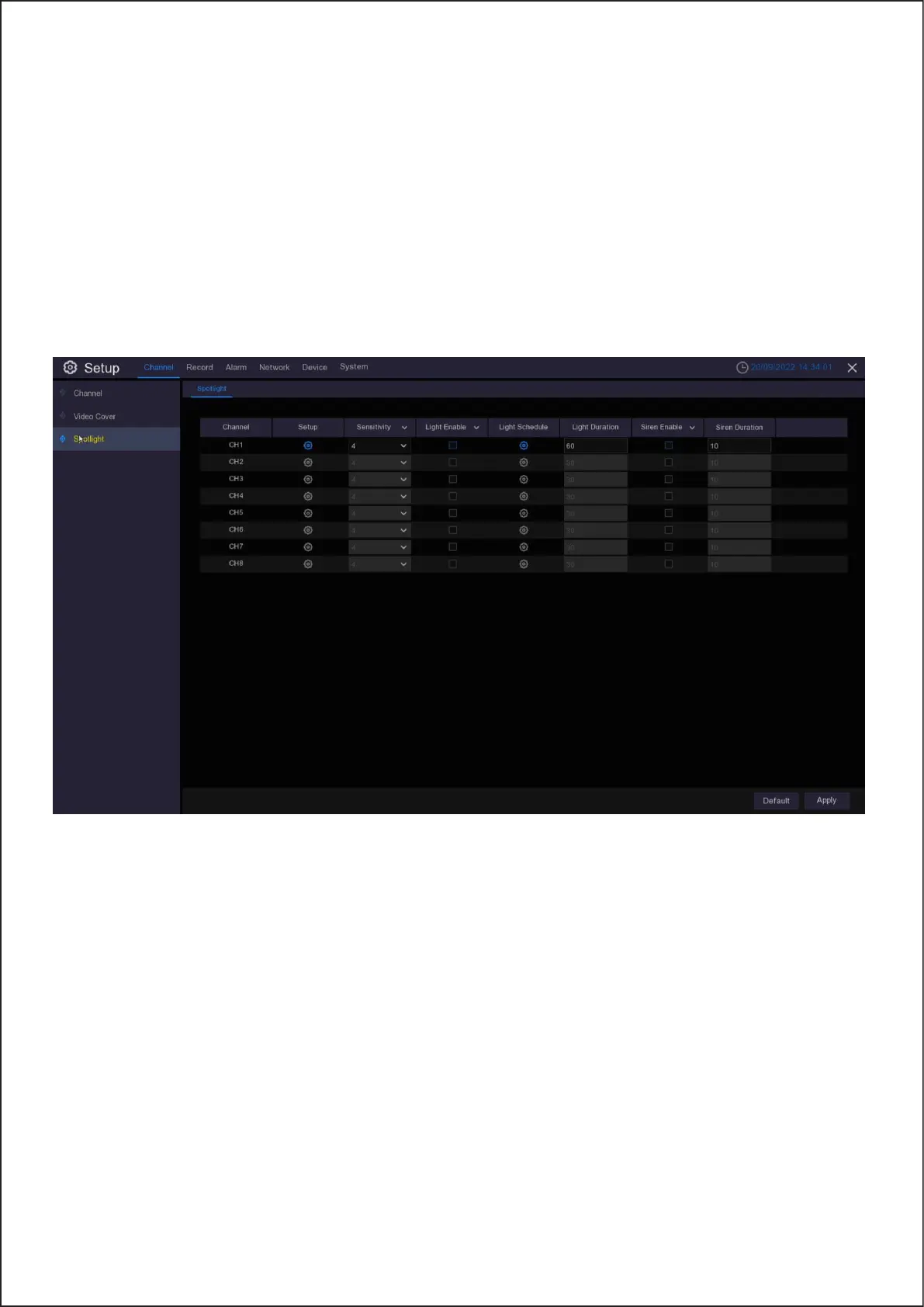
5.1.2. Spotlight
The camera must be in operation for the options to be displayed in the spotlight menu.
Setup allows users to select the time-frame the spotlight will be active .
18



 To Next Page