77
Chapter 8 Remote Access via Mobile Devices
The DVR supports remove remote access via mobile devices based on Android & iOS operating system.
1) Search for Concord Security in the Google Play Store for android devices or App Store or iOS devices, and install.
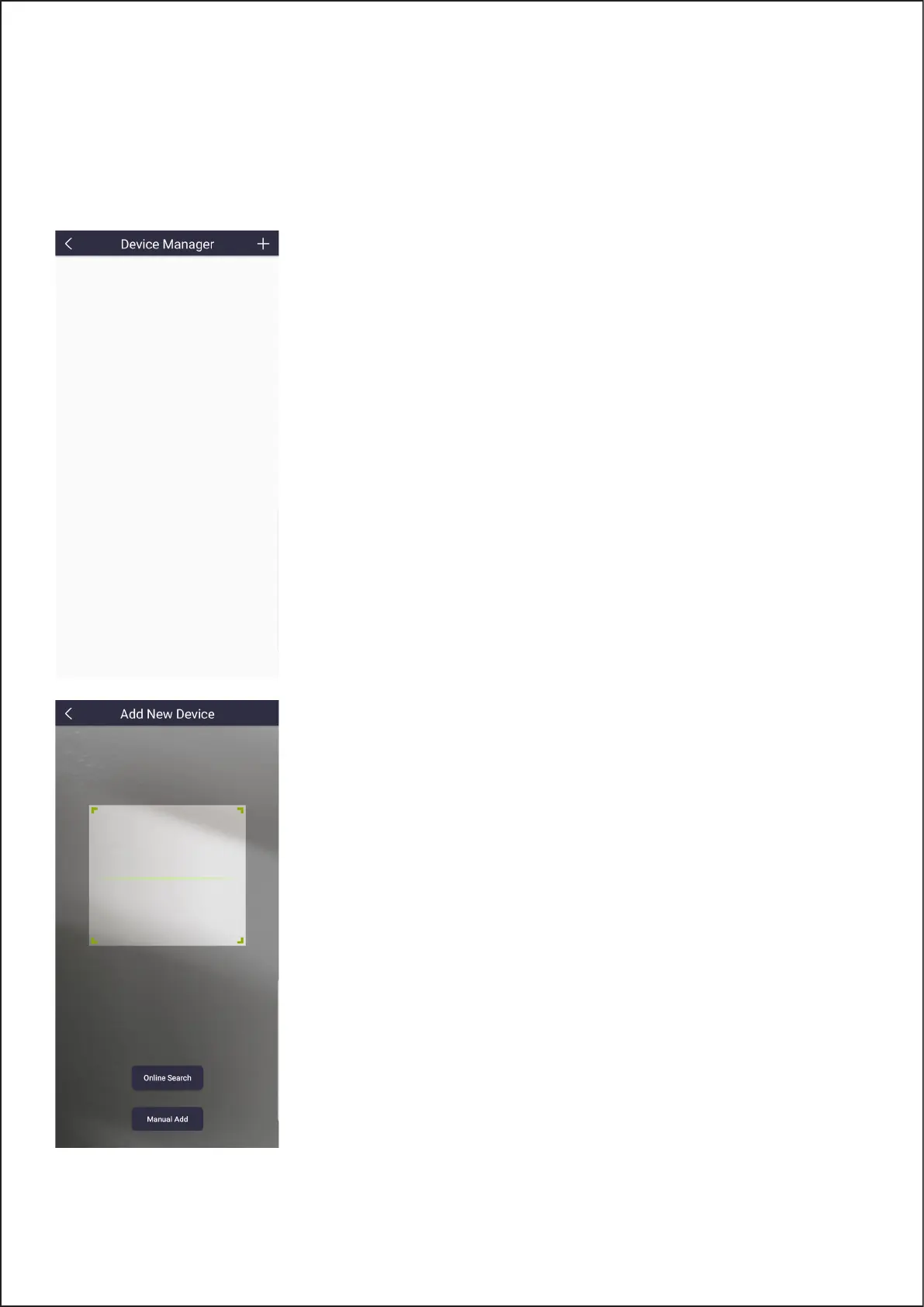
2) Run the app, it will display the Device Manager screen.
3) Touch the + to add device.
The App will scan the QR code on located on the top of your DVR or the QR code
displayed during the setup wizard.
77



 To Next Page