36
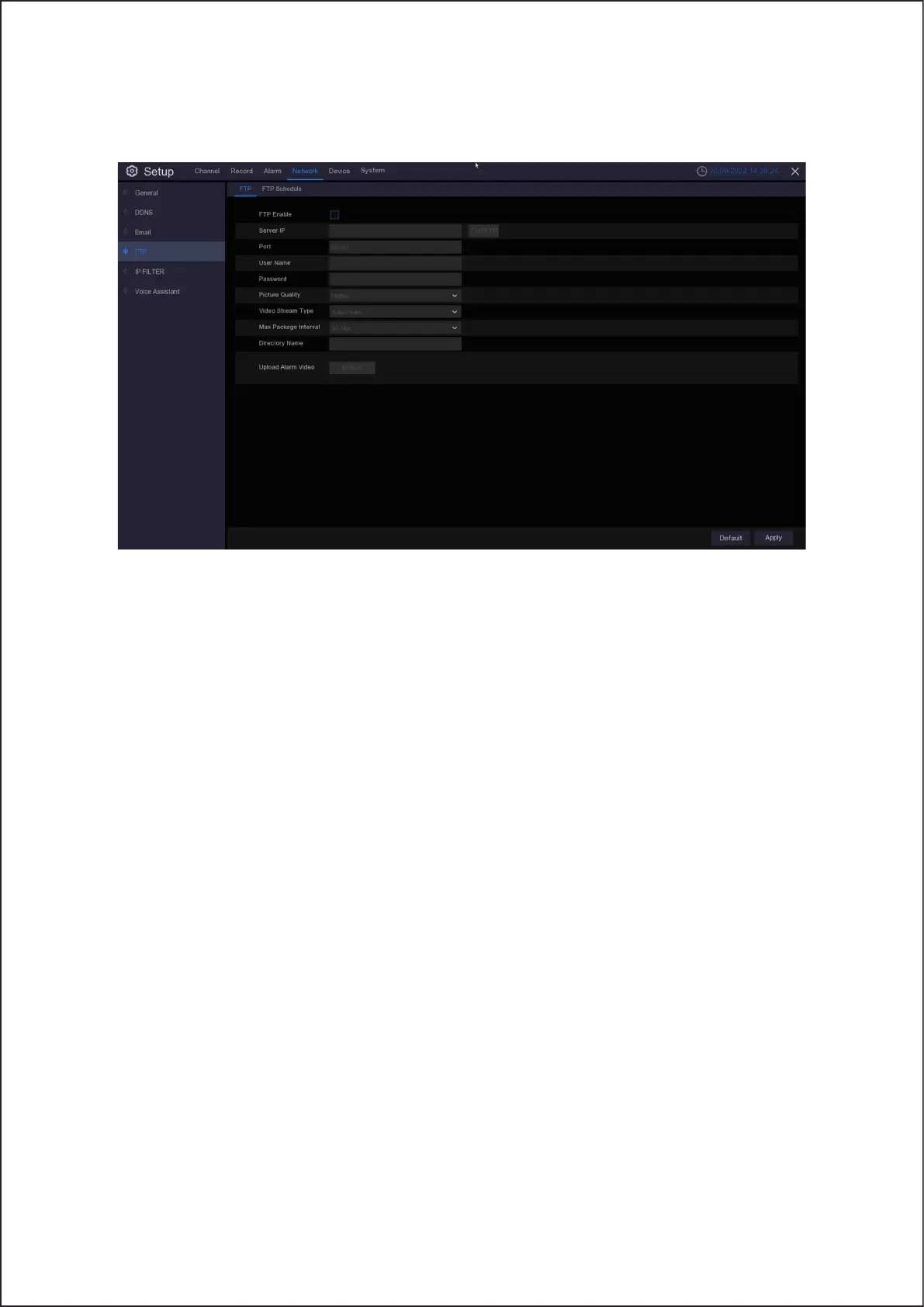
5.4.4 FTP
This menu allows you to enable FTP function to view and load captured snapshots from Wireless NVR to your storage
device over FTP.
FTP Enable: Click to enable FTP function.
Server IP: Enter your FTP server IP address or domain name.
Port: Enter the FTP port for file exchanges.
Name/ Password: Enter your FTP server user name and password.
Directory Name: Enter the default directory name for the FTP file exchanges.
Test FTP: Click to test the FTP settings.
34



 To Next Page