25
5.2 Record
5.2.1 Record
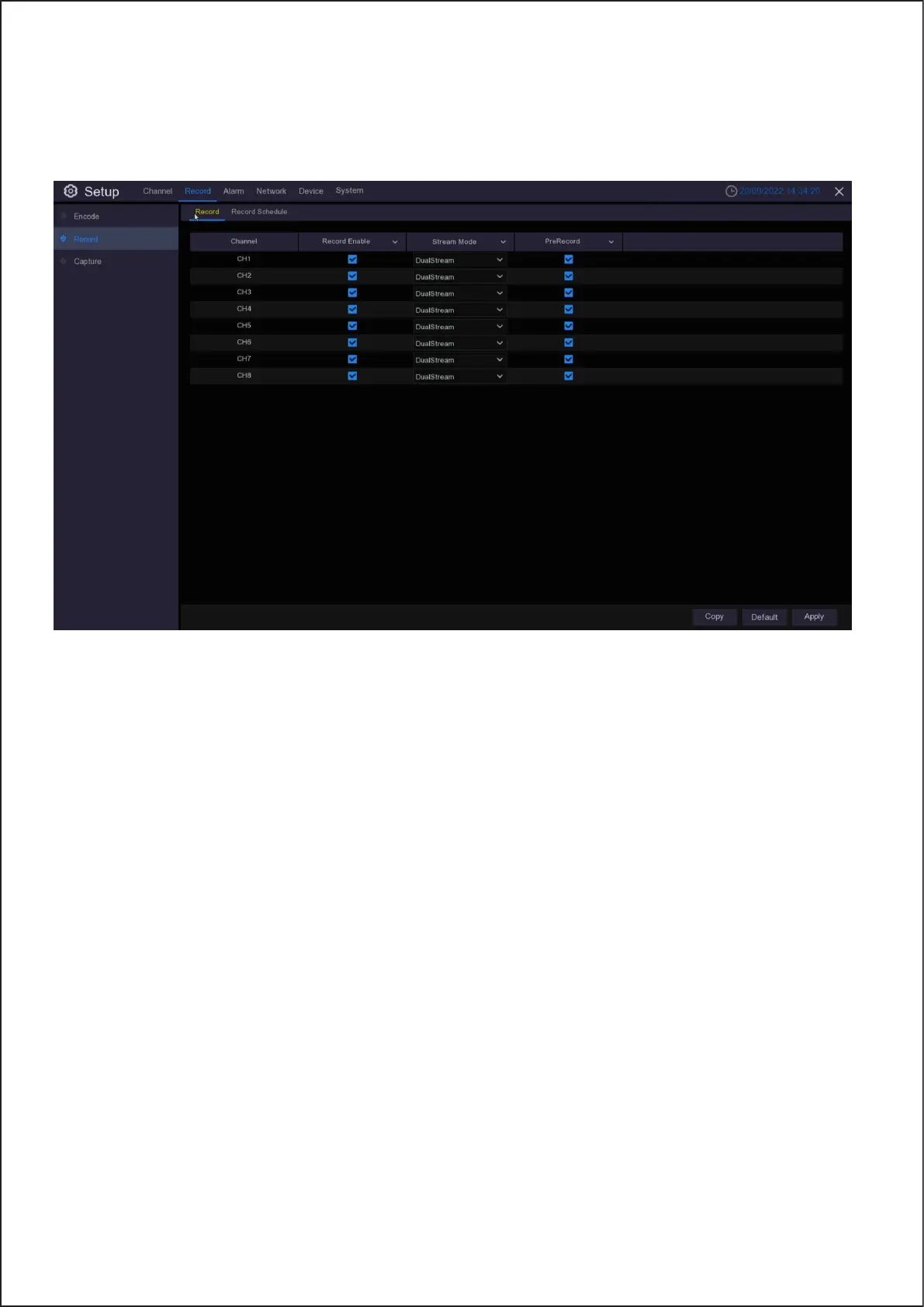
This menu allows you to configure the channel recording parameters.
Channel: Display channel number.
Record Switch: Enable in order to allow the video to be recorded to the HDD.
Stream Mode: Choose the recording resolution. The available options are Mainstream and DualStream.
PreRecord: If this option is enabled, the Wireless NVR starts recording a few seconds before an event occurs.
Use this option if your primary recording type is motion based.
22



 To Next Page