76
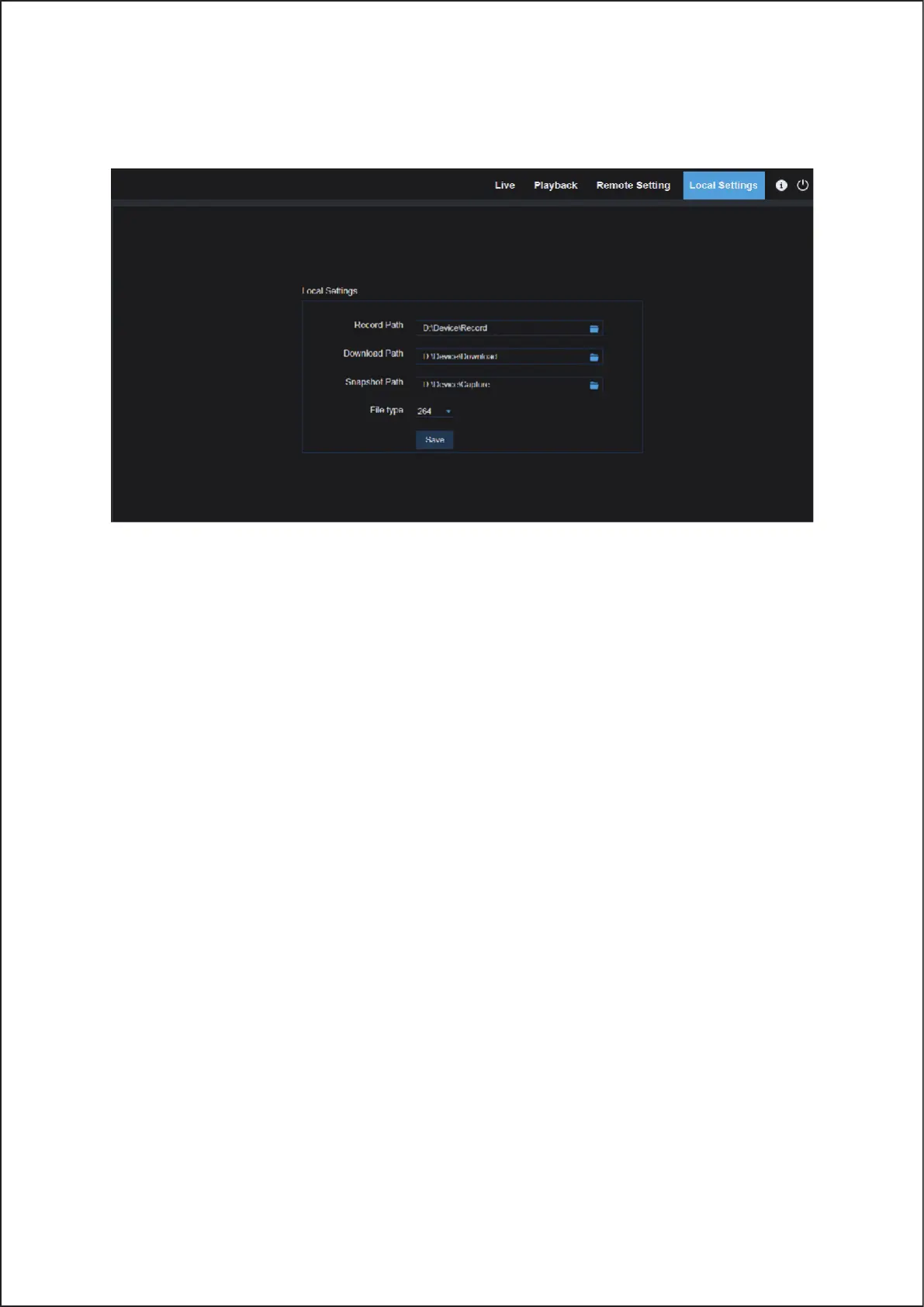
7.3.3 Local Setting
• Record Path: Set the path to save manual recordings on your PC’s local drive.
• Download Path: Set the path on your PC’s local drive where you want to download recordings from the Wireless
NVR.
• Snapshot Path: Set the path to save manual snapshots on your PC’s local drive.
• Save: Click Save to save the modifications.
• File Type: Choose your preferred file type for manual recordings.
• Interval: Determine the maximum length of manual recordings.
76



 To Next Page