72
7.3.2 Playback
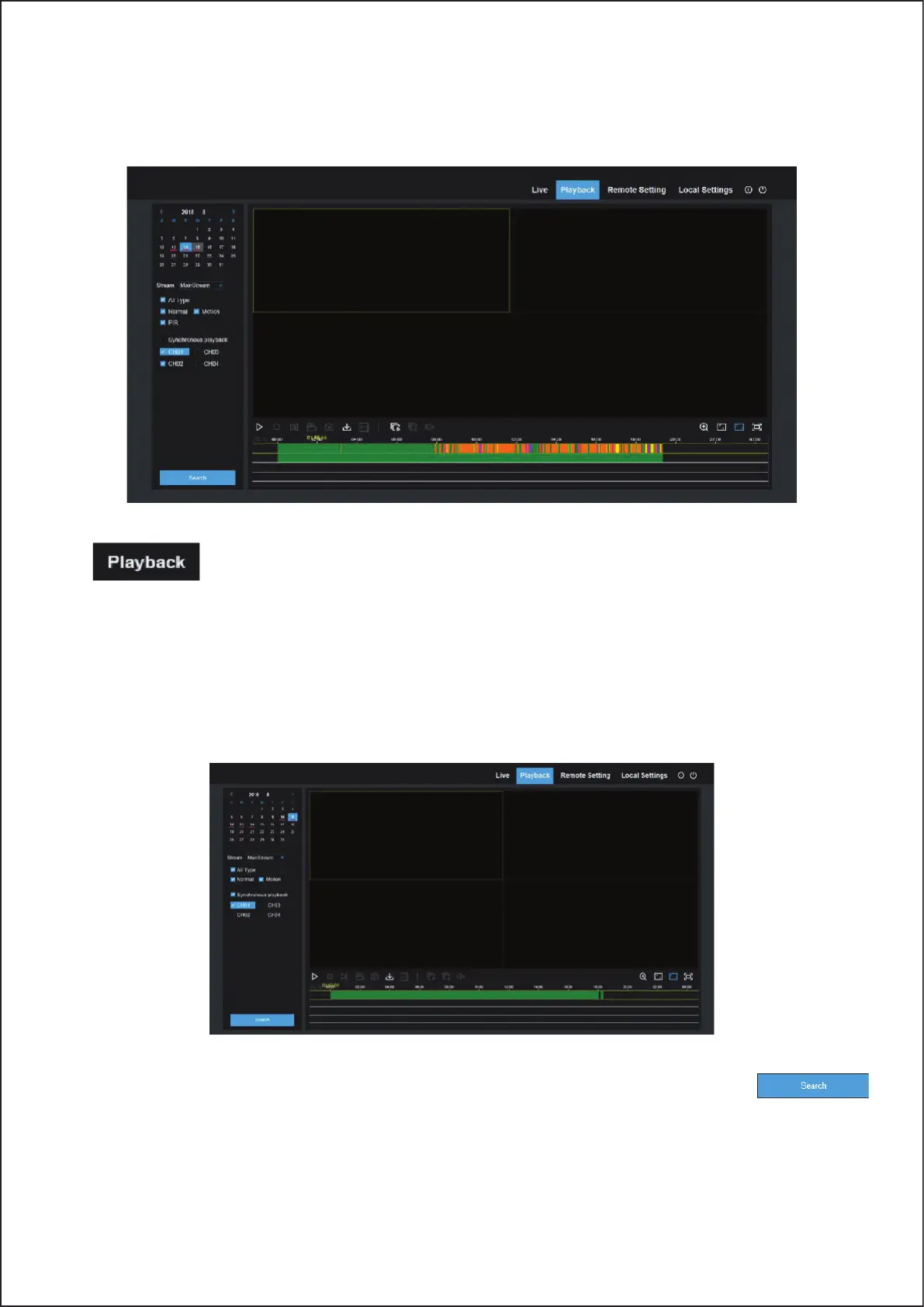
You can search & play recorded files stored on the HDD inside the Wireless NVR, and save the result to the local
directory on your PC.
Click
to enter into Playback interface to remotely view the records in Wireless NVR HDD.
It supports 1 to 4 channel record playback.
1. Record Search
Record playback procedure
Firstly, select the date you want to check and tick 1 to 4 channels. Any record files in current channel at current date
will be displayed in the status bar of the interface.
Secondly, select record type (Normal record, Motion record,PIR record) and channels, and then click
and time axis panel will display specific time quantum. On the time axis, red part stands for motion record, green
stands for normal record and original part stands for no record during this period.
72



 To Next Page