81
9.2 Usage Maintenance
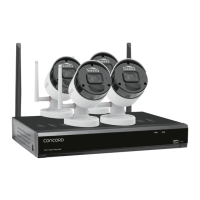
1. To shut down Wireless NVR, please shut down the system first before turning off the power.
Do not turn off the power directly or HDD data will be lost or damaged.
2. Please keep Wireless NVR away from heat sources or dusty environments.
3. Clean the internal dust regularly. Make sure there is good ventilation to ensure adequate heat dissipation.
4. Please inspect all cables regularly to ensure they are not aging or damaged.
5. Please prevent the audio and video signals of Wireless NVR from being intervened by other electronic devices, and
prevent the HDD from being damaged by static electricity and induced voltage. If the network cable is frequently
plugged, it is suggested to replace connecting line regularly, or the input signal may be unstable.
81


 To Next Page