50
5.6.4.3 Upgrade
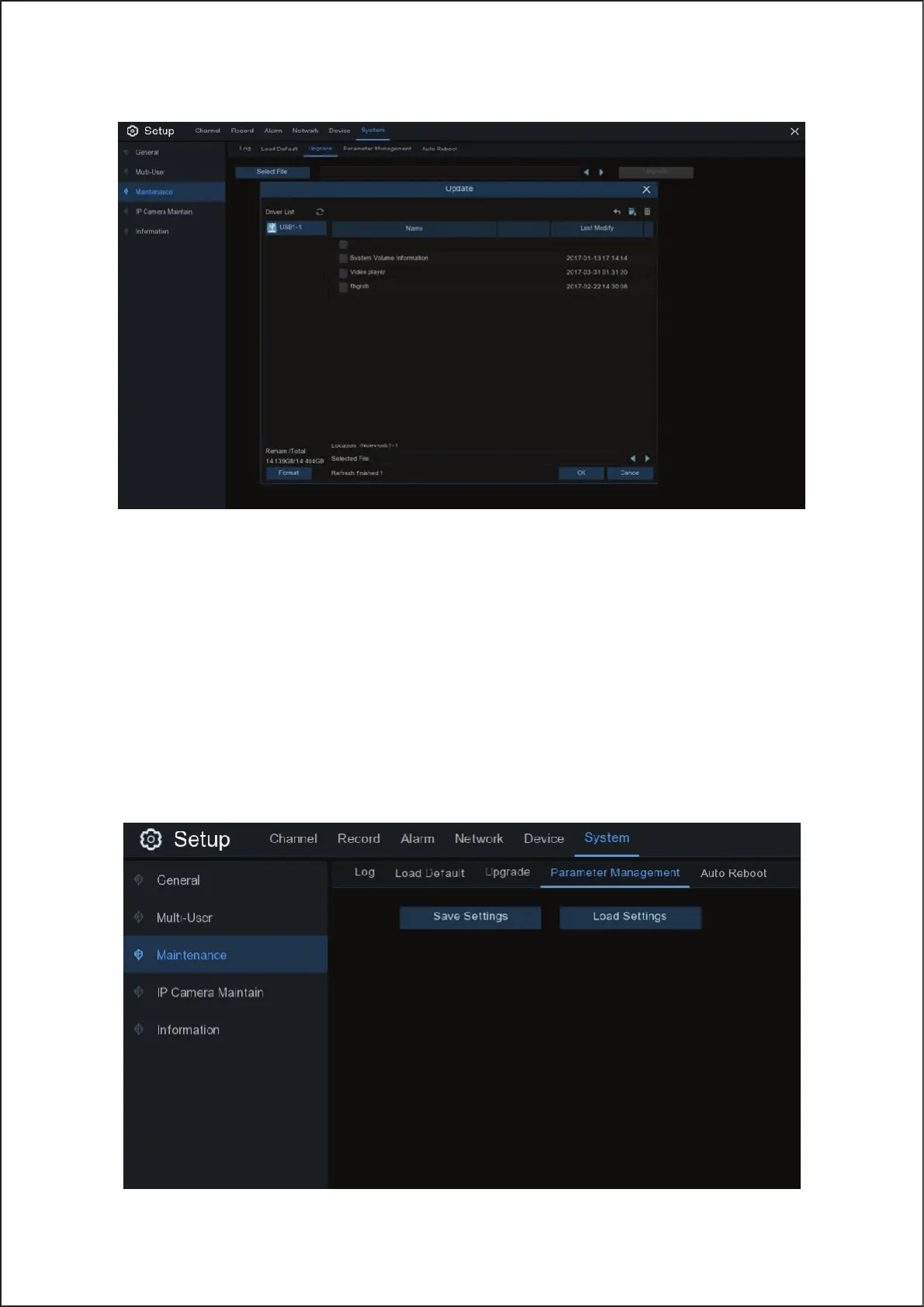
1. Copy the firmware file (.sw file) to your USB drive, and insert the USB flash drive into the NVR USB port.
2. Click Select File button to choose the firmware file in your USB flash drive, then Click OK.
3. Click Upgrade button to start system upgrade. The system upgrade will last around 5-10 minutes, please do NOT
power off the Wireless NVR or remove the USB from Wireless NVR during firmware upgrade.
5.6.4.4 Parameter Management
You can export the main menu settings you have configured to a USB flash drive, or import an exported setting file
from USB flash drive to the Wireless NVR.
50



 To Next Page