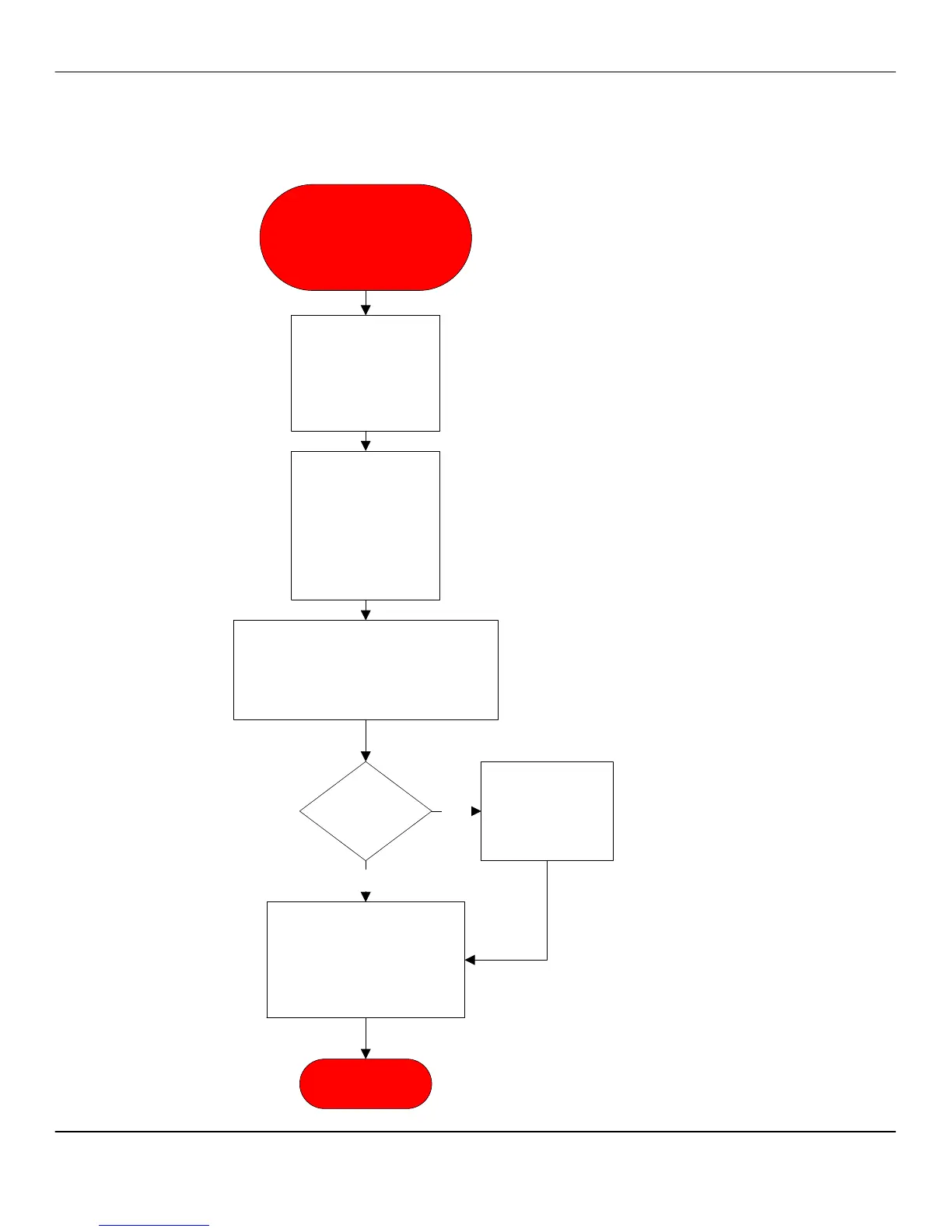
LOAD DISP DATA Error
LOAD SEQ DATA Error
SEQUENCE ERROR
Turn unit off by
power switch inside
refer door. Wait 15
seconds and power
unit on. Verify error
on display
New download
required. Tech will
need laptop with
current software for
the unit model
number.
Data cable is
PN 4300-013.
Setup laptop per instructions in the
laptop bag. Download the software and
command files and set time and date.
Power unit down and wait 15 seconds.
Restart unit.
Error
repeats?
No
Yes
Replace CPU.
Retest unit
functionality.
Navigate to TEST
ROUTINES and activate all
options. Verify all systems
work. Exit TEST ROUTINES
and run several drinks and
verify unit is functional.
END PROCESS



 To Next Page