3029-004B Section 4: Software
Concordia Integra Technical Support Manual 4-17
2900-255B
Loading New Software to a Machine
Required Equipment
Service port communications cable (9 pin D-sub to 6 pin
modular Concordia PN 4300-013).
An IBM compatible PC with communications software
installed that supports ANSI Terminal Emulation and the
XMODEM file transfer protocol.
If using a laptop with Windows Vista or Windows 7, please
visit http://www.hilgraeve.com/hyperterminal-trial/ to
purchase HyperTerminal.
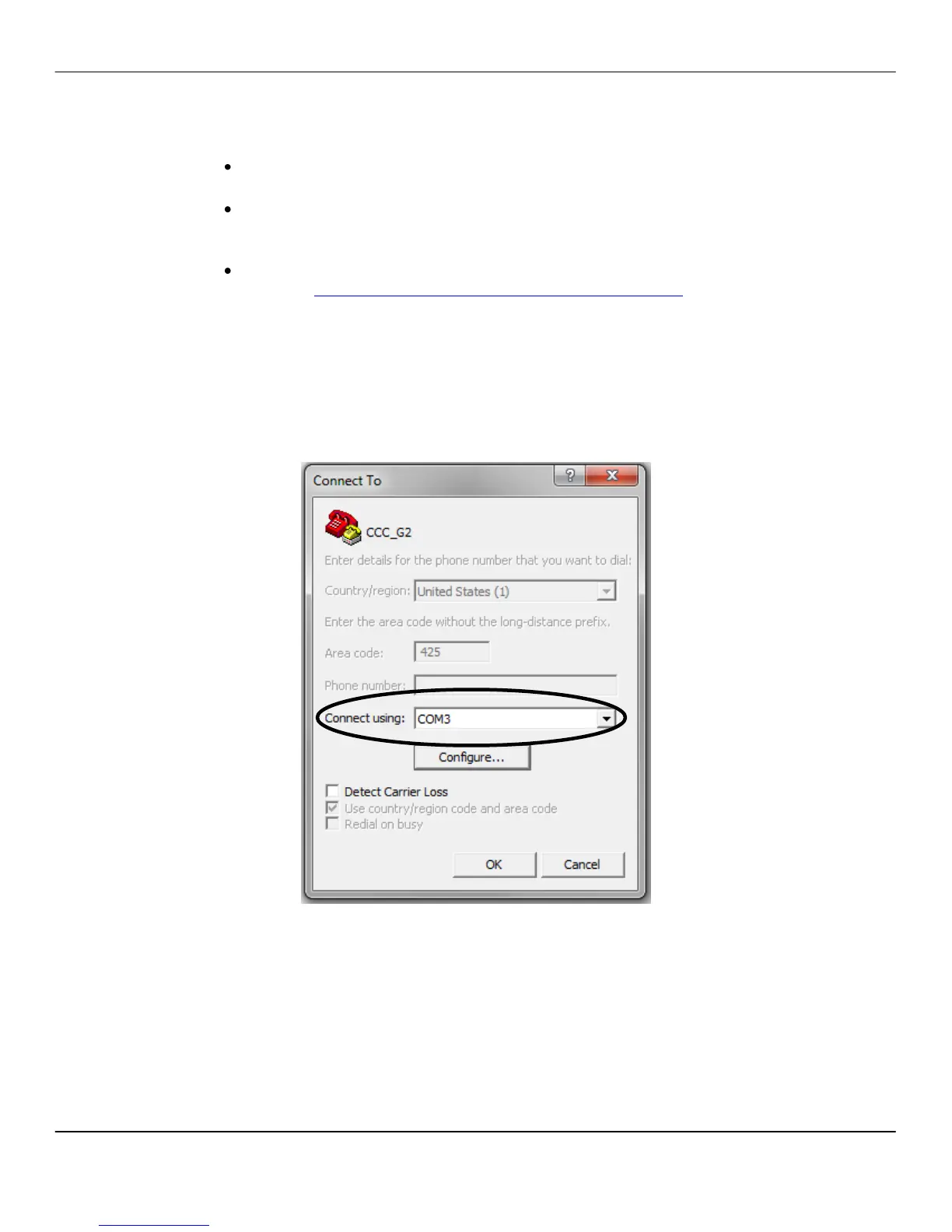
Configuring HyperTerminal
1. Open HyperTerminal.
2. Go to File > New Connection.
3. Select the com port assigned to the serial adapter being
used from the Connect using: drop-down menu.



 To Next Page