Configuration 27
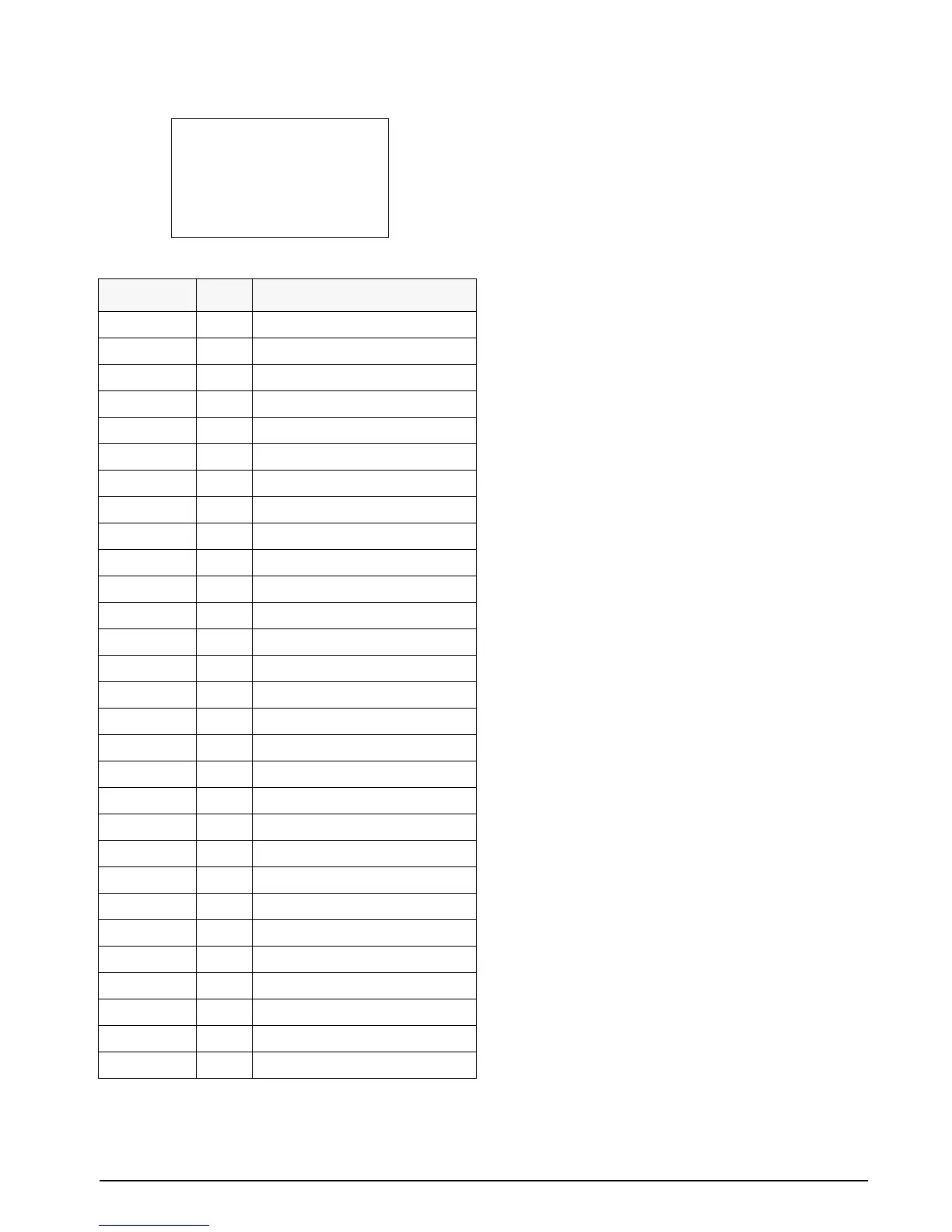
Figure 3-15. Sample Print from File 7.2
Table 3-18. File 7.9 Macro 1
NOTES:
•When necessary, the start of text (STX)
character tells the printer that data is being
transferred for printing.
•A macro does not repeat the start of text
character. Only the main file has the STX
character.
•Macros can be called as many times as needed
in a print file.
• The code 999 serves as END OF FILE as well as
RETURN TO MAIN PRINT FILE command.
• Files and MACROS have a maximum of 30
lines each.
• If the indicator is in the GROSS mode, it will
print File 7.1. If the indicator has a tare value
entered and is in the net mode, it will print File
7.2.
• It is a good idea to write out the custom print
format you want on a worksheet, then enter it
into the indicator. Keep this in your records for
that indicator - if something happens to the unit,
you will not have to recreate the custom print
format.
Depending on the type of printer that you are using,
you could also send special code sequences to the
printer itself, as long as the ASCII codes are 127 or
lower. For example, with the Epson TM-295 printer, it
is possible to include the code sequence to release the
paper (ASCII characters 27, then 113) after the ticket
is printed. Different printers have different commands
that are available using special codes like this. For
more information about printer codes, refer to the
documentation that was supplied with the printer.
There is one code that has not been covered yet but
may come in handy if working with an older printer,
such as a Hecon tape printer. Code 700 is the
parameter control code that the IS indicator interprets
as DELAY PER SETUP. Some older printers may
have limited buffering capability or memory enough
for just a few lines of text. Therefore, it is very easy to
overrun the printer and you can lose an entire line of
text or get several lines garbled together. To prevent
this, insert a code 700 between the carriage return and
the line feed. This causes the indicator to pause for the
amout of time specified in parameter 14.2. A delay of
1 or 2 seconds should be adequate for most of these
printers.
Line Number Code Code Definition
01 071 G alphabetic character
02 076 L alphabetic character
03 069 E alphabetic character
04 078 N alphabetic character
05 032 SP (space)
06 067 C alphabetic character
07 079 O alphabetic character
08 032 SP (space)
09 105 i alphabetic character
10 110 n alphabetic character
11 099 c alphabetic character
12 046 . (period)
13 013 Carriage return (CR)
14 010 Line feed (LF)
15 071 G alphabetic character
16 076 L alphabetic character
17 069 E aphabetic character
18 078 N alphabetic character
19 087 W alphabetic character
20 079 O alphabetic character
21 079 O alphabetic character
22 068 D alphabetic character
23 032 SP (space)
24 077 M alphabetic character
25 078 N alphabetic character
26 046 . (period)
27 013 Carriage return (CR)
28 010 Line feed (LF)
29 999 End of MACRO, return to main file
GLEN CO inc.
GLENWOOD MN.
10:22 PM 04/16/02
10000 LB GR
5000 LB TR
5000 LB NT


 To Next Page