Edition 05/2021 - MC – Technical documentation - page 25
SACOME, CONFIDENTIAL Document, it is forbidden to duplicate or communicate this document without previous authorization.
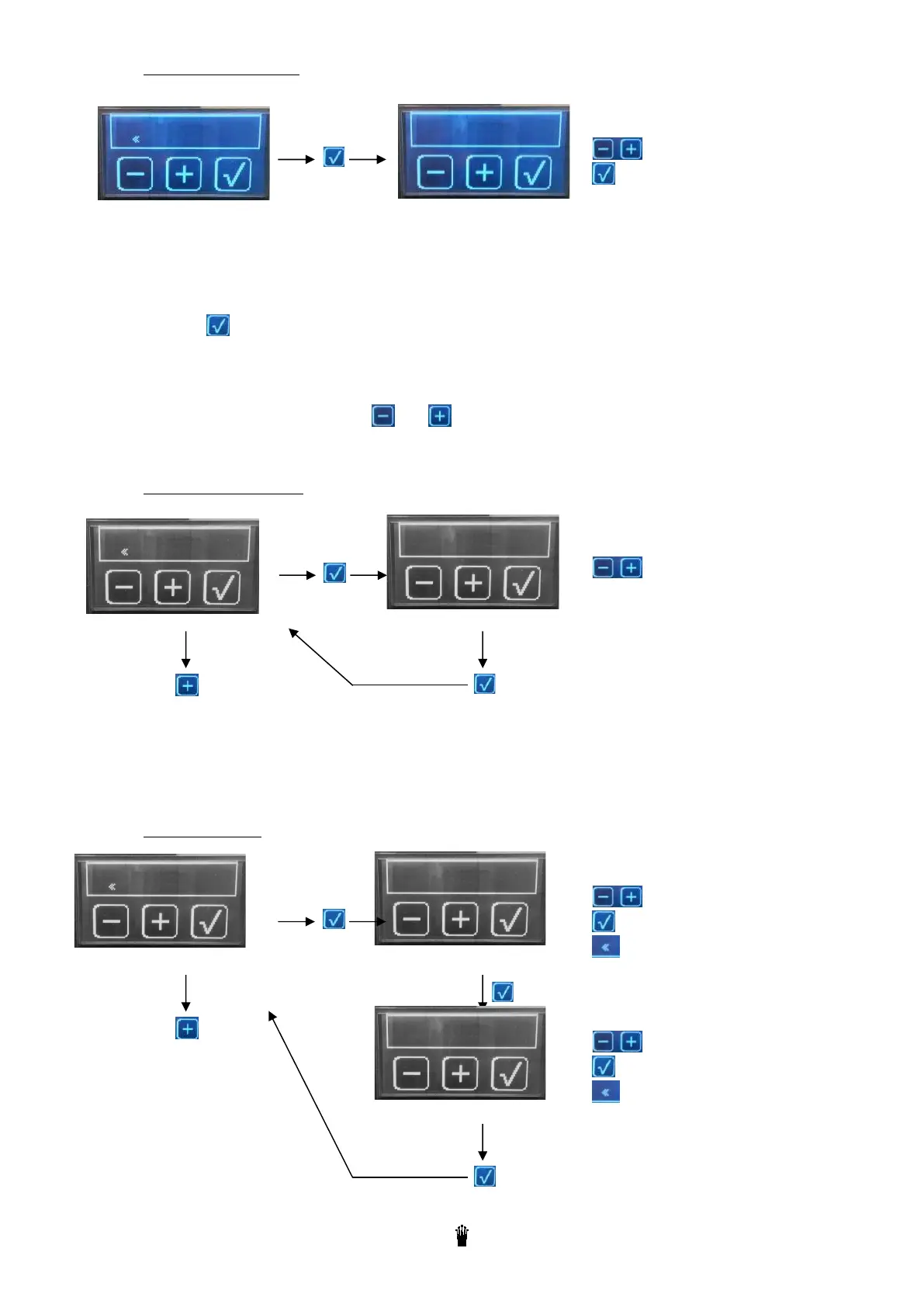
10.6.4 Pressure calibration
This menu allows to adjust the value shown by digital manometer according the value shown by the
mechanical manometer
Adjusting method:
o Press
. The pump goes ON
o The users read the value shown by the mechanical manometer (ex:9,5bars)
o The display shows: V.TH = Theorical value (should be on the display)
V.Cor = Corrected value (the one shown on the display)
o The users adjust “V.Cor”with and to display the same value as the mechanical value one
o The displayed value will be V.Cor always the same as the mechanical one.
10.6.5 Filling up with pump
This step allows the machine to fill the tanker with or without the pump.
In case of “kit solo” system the machine needs to be adjusted with a filling up with pump.
10.6.6 Contact details
To adjust the value
To validate
To select
With pump
To validate
Next step
To change the character
To move to the next character
To escape
Monte Carlo
To validate
Next step
To validate
To change the character
To move to the next character
To escape



 To Next Page