Preparing a VFC400-WiFi for first use VFC400-WiFi User Guide 14
Advanced Settings
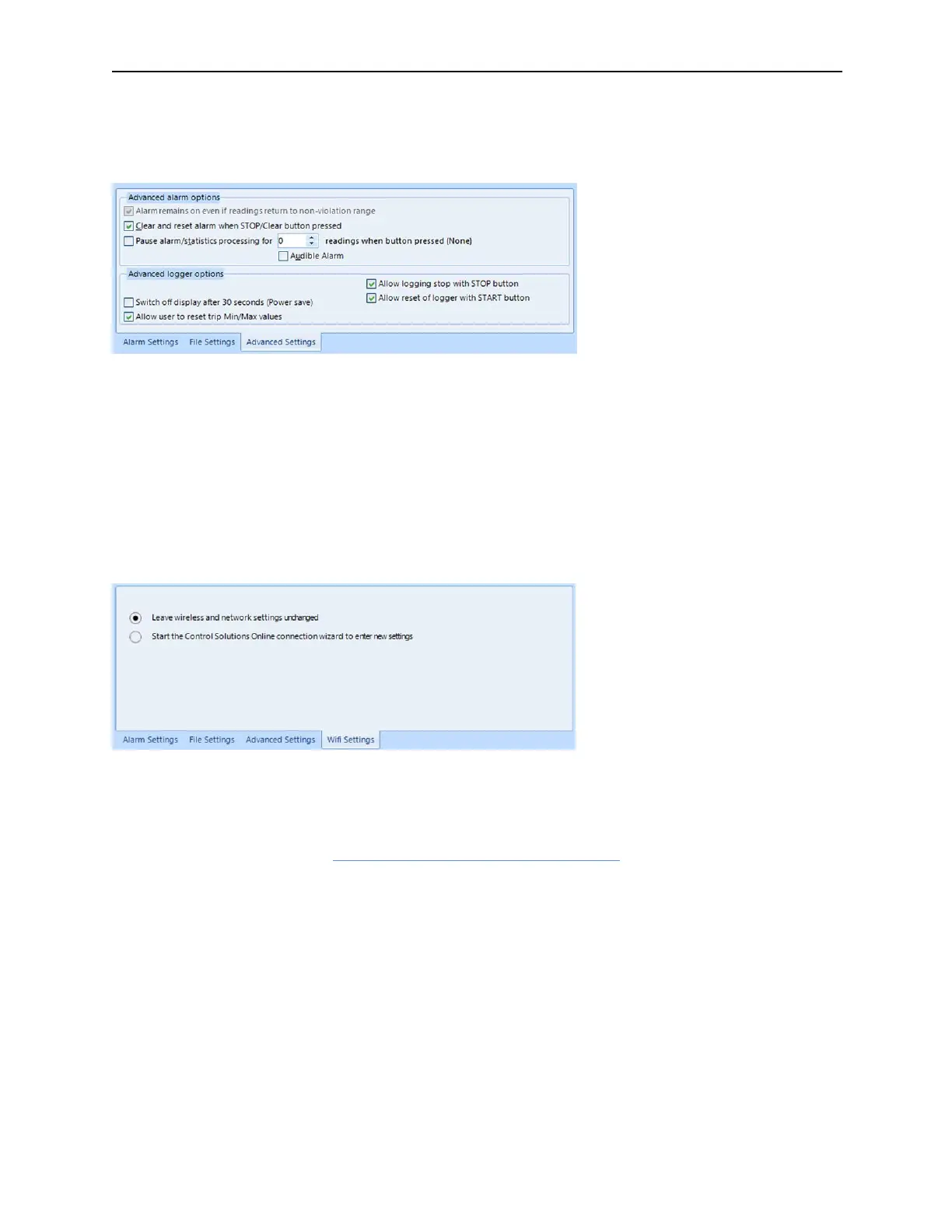
Select the Advanced Settings tab for additional configuration settings. These settings decide how some of the
elements are displayed on the unit's own display and also set other options specific to the VFC400-WiFi.
Parameters that influence the appearance of the display are
l Allowing a user to reset the trip's minimum and maximum values on the display during recording
Parameters influencing specific behaviour of the VFC400-WiFi are
l leaving the alarm turned on, even if readings return to the normal temperature range again
l allowing the user to stop the logger with the START/CLEAR/STOP button
For detailed information about each parameter please read the section about Configuring a LogTag for logging
in Control Solutions VTMC’s User Guide or press F1 for help.
Wireless and Network Connection Settings
The VFC400-WiFi's wireless connection parameters are set up on the WiFi Settings tab.
Select Leave wireless and network settings unchanged if you are only changing the logging parameters, but
want the VFC400-WiFi to connect to the same network as before. Selecting this option will retain the wireless
and network parameters currently stored inside the unit.
Select Start the Control Solutions Online Connection Wizard if you need to enter new settings, or amend
existing settings. In this case the Control Solutions Online Connection Wizard will start as soon as Control
Solutions VTMC has finished configuring the VFC400-WiFi for logging. Factory-new units do not have any
settings and you will need to run the wizard to connect these to LogTag
®
Online.



 To Next Page