Starting the Logger VFC400-WiFi User Guide 30
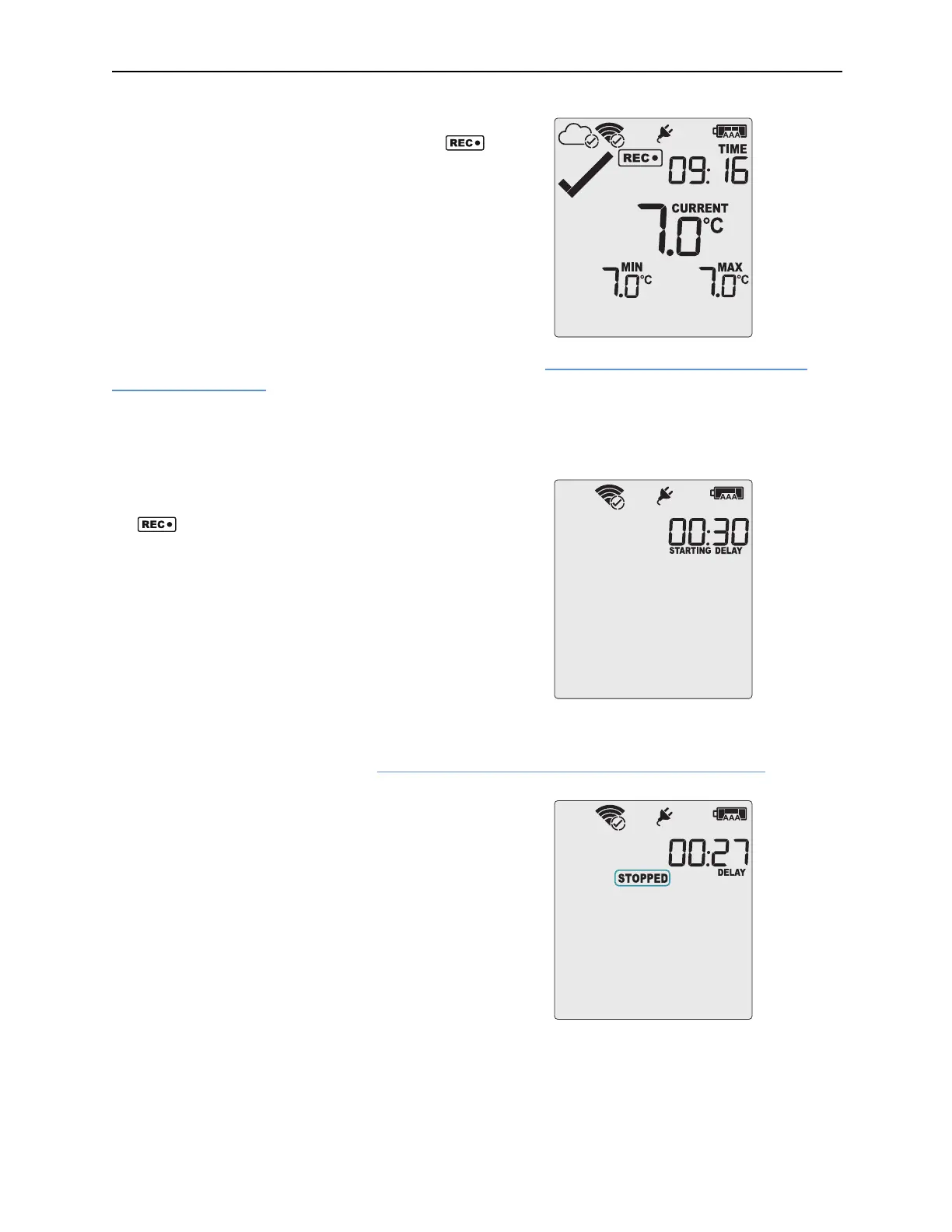
Once READY disappears, release the button within two
seconds. STARTING will now disappear, and the
symbol will be shown. The VFC400-WiFi now records
temperature data.
The logger will not start if you…
…
release the button before READY disappears
… keep holding the button for more than 2 seconds after
READY disappears.
… The backup battery is critically low and the logger is not
connected to power.
The VFC400-WiFi now automatically performs a Connection Test (see Testing your wireless and network
connection on page20).
Push Button Start with Start Delay
If the logger has been configured for a push button start with a
start delay, the word STARTING DELAY is shown instead of
the
symbol.
The delay time is shown in hours and minutes. The time
counts down and the VFC400-WiFi starts recording when it
reaches
0:00.
The WiFi connection symbol is shown with a tick, if the
VFC400-WiFi successfully connected to the wireless network
directly after configuration with Control Solutions VTMC.
As with a regular push button start without delay, the VFC400-WiFi will perform a Connection Test as soon as
the recording has started. To check the connection before the delay value has elapsed, you can initiate the
connection test yourself. Please refer to Testing your wireless and network connection (on page20).
The timer can be cancelled and the logger reset to READY.
While STARTING and DELAY are shown, press and hold the
START/CLEAR/STOP button. STOPPED will now show. Release
the button when STARTING disappears.
STOPPED and DELAY will both disappear, and READY will
show, together with the current time, and the logger can now
be started again as normal.
The VFC400-WiFi will
not be reset if you …
…
release the button before STARTING disappears, or
…
if you keep holding the button until STOPPED
disappears.



 To Next Page