What You Need VFC400-WiFi User Guide 7
What You Need
Required Items
In addition to your Control Solutions VFC400-WiFi Vaccine wireless temperature monitoring logger you will
need the following:
l a Control Solutions Cloud Account for storing and accessing uploaded data
l a PC or mobile device with a modern web browser to set up your account and to view the data
l a WiFi network capable of WPA/WEP security and an internet connection for uploading data to the cloud
server
l a Micro-USB to USB-A cable to connect the VFC400-WiFi to your PC
l an external probe.You can use any probe of the ST100 series
l for configuration - a PC running Windows 7 or later and Control Solutions VTMC version 3 installed
l a 5V/5W USB power supply to power the unit permanently via the USB socket
Optional Items
In addition to the above, following items are useful accessories:
l 2 x AAA batteries as a backup if main power fails
For optimum performance we recommend Lithium Iron Disulphide batteries, such as
Energizer® Ultimate Lithium™ Batteries, or similar batteries from other reputable
manufacturers.
l a small Phillips screwdriver to open the battery compartment
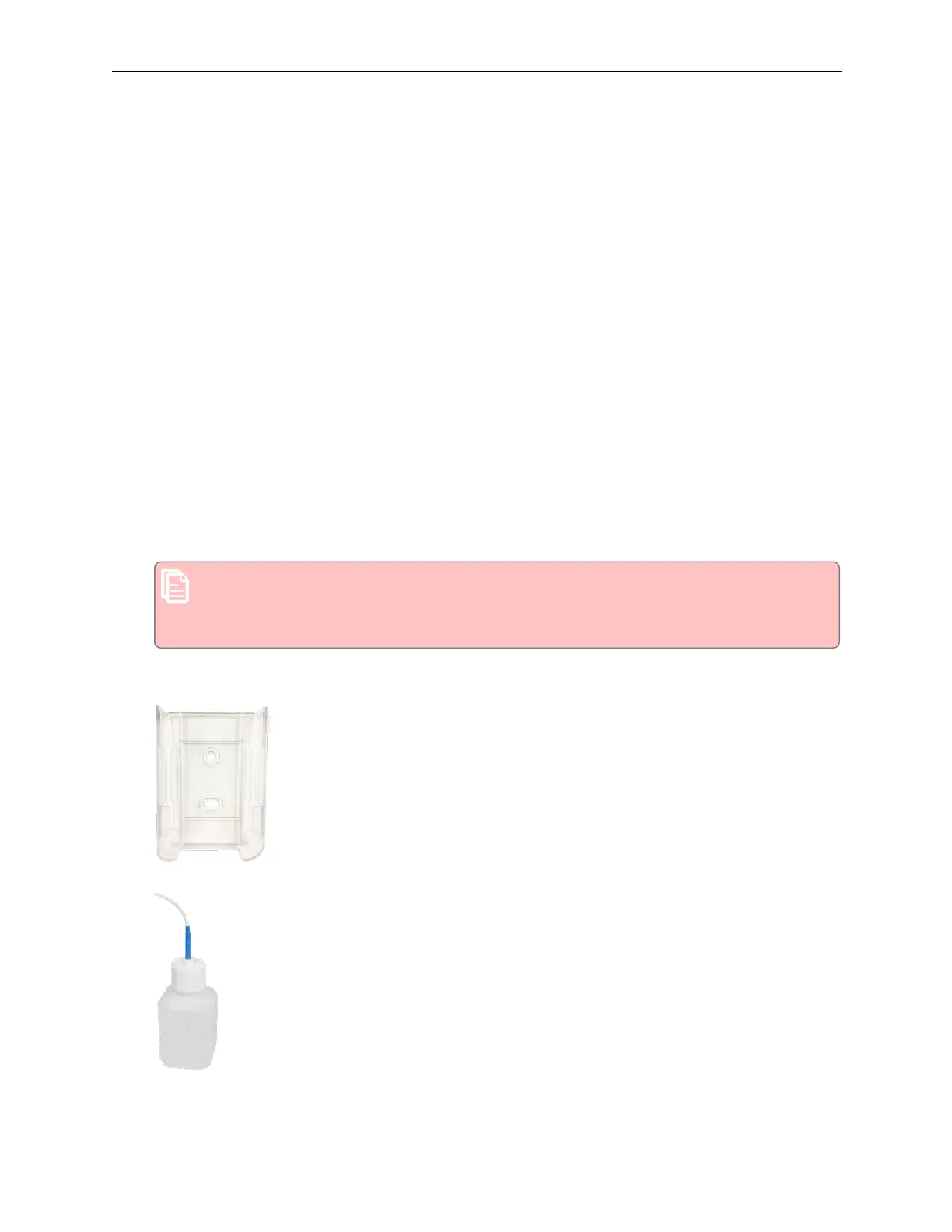
l a wallmount bracket, which can be used, for example, to attach the VFC400-WiFi to the side of a fridge
l a Glycol buffer, which simulates environmental behaviour of a vaccine vial



 To Next Page