Starting the Logger VFC400-WiFi User Guide 29
Starting the Logger
It is highly recommended you start a VFC400-WiFi logger only after you have placed it in the position it
will be used in. This allows you to verify wireless and network connectivity on site quickly after the
start.
Push button start
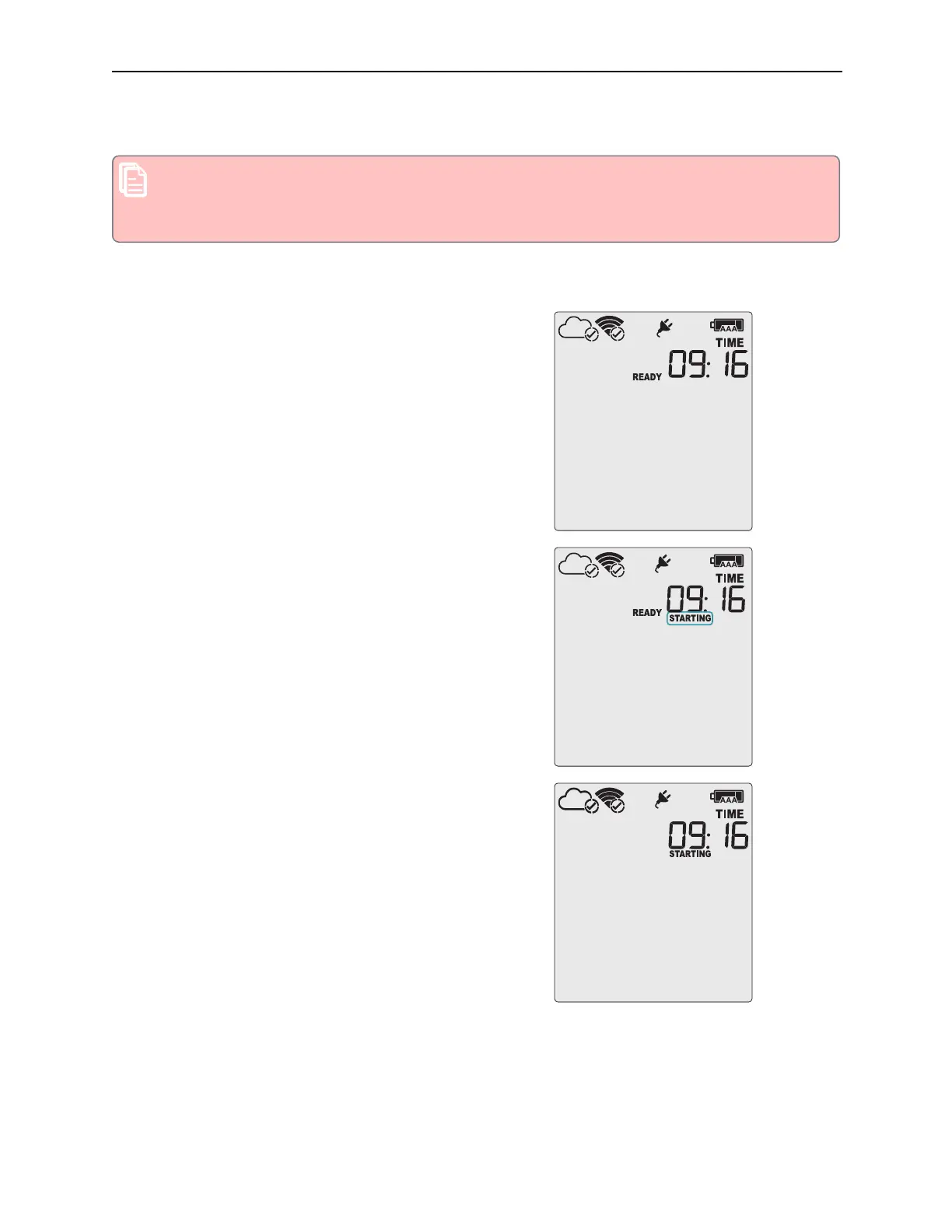
After configuration for a push button start the current time and
READY are shown, together with the
Backup Battery Status
symbol.
The power symbol is shown when the unit is connected to a
USB power supply.
WiFi and cloud connection symbols are also shown with a tick,
if the VFC400-WiFi successfully connected to the wireless
network directly after configuration with Control Solutions
VTMC.
Press the START/CLEAR/STOP button. STARTING is briefly
shown in addition to READY.
Then READY disappears.



 To Next Page