Preparing a VFC400-WiFi for first use VFC400-WiFi User Guide 9
Inserting the Batteries
The VFC400-WiFi operates with two AAA backup batteries.
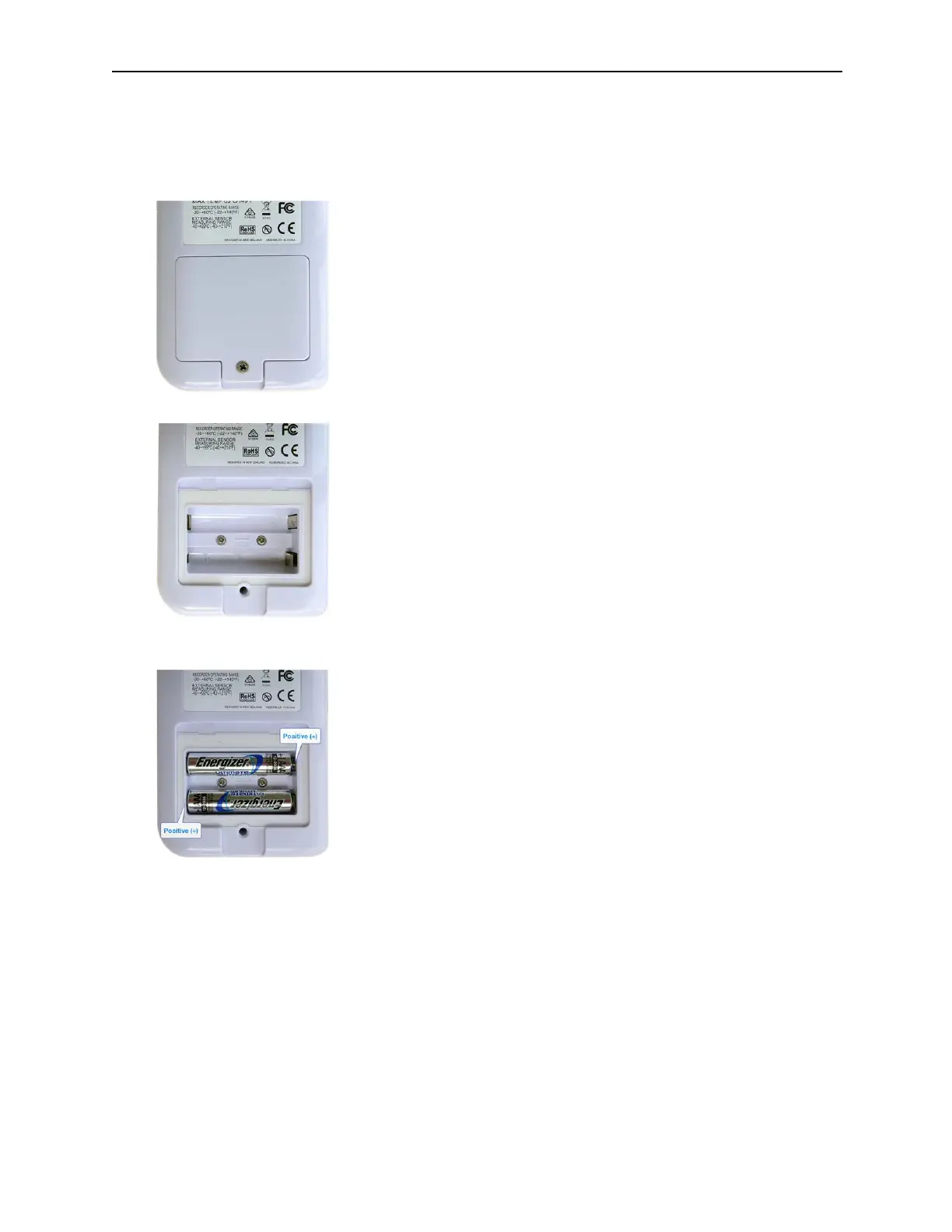
1. Remove the screw from the rear compartment lid.
2. Remove the lid, exposing the battery compartment.
3. Insert the AAA batteries in the correct orientation, as shown. The polarity is marked inside the battery
compartment.
4. Replace the rear cover and the screw.
5. Press any button to turn on the display.



 To Next Page