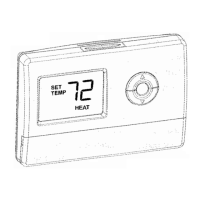
Manual Override of Fan Schedule
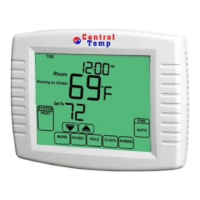
Use FAN key to change fan work states
by manual.
AUTO
-f
an is automatically following the Fan
schedule(choices are Auto, On or Circulate).
ON
-
Fan runs randomly for approximately
35% of schedule period when there is no
call for cooling or heating.
CIRC- Fan circulates randomly for
approximately 35% of time.
When the program reaches to next
schedule, the fan will run as the setting in
the period.


 To Next Page