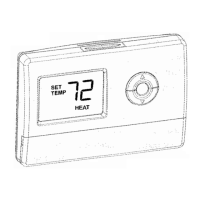
1. Replace the batteries as soon as ―Batt‖
flashes in the display. The Battery indicator
flashes in the display one month before the
batteries run down completely.
2. Always use fresh AA alkaline batteries.
Non-alkaline batteries do not last as long
and can leak, causing thermostat damage.
3. Although the thermostat has a Low
Battery indicator, replace the batteries once
a year to prevent the thermostat and
heating/cooling system from shutting down
due to lack of battery power.
Partially Locked Screen
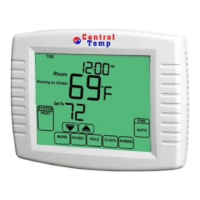
When partially locked, the screen indicates
Screen Locked for 5 to 7 seconds whenever the
user attempts to press a key that is locked.
Pressing a locked key, while Screen Locked is
shown, flashes Screen Locked on the
screen.
In this mode, all keys are locked except the
Temperature Up and Down arrow keys:
User can change temperature up or down
but cannot change schedule settings.
Temporary temperature change lasts until
next scheduled period.
To cancel temperature override and begin
following schedule, press CANCEL key.
To unlock screen, see Installer Setup section.
Fully Locked Screen
In this mode, all keys are locked and not
functional. To unlock screen, see Installer
Setup section. The screen continuously
displays Screen Locked.


 To Next Page