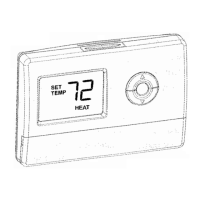
Vacation Hold
Change temperature setting for a designated
number of days.
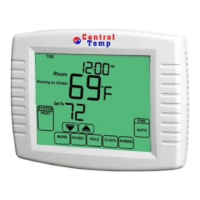
1 Press HOLD key twice. Screen shows
Override Until and 1 DAYS.
2 Press the Up and Down arrow keys to set
the desired temperature while away on
vacation. Notice that —Override Until days is
shown on the screen. (This is the time the
Vacation Hold override expires after the
number of day’s ends.)
3 Press Up and Down arrow keys to change
the number of Days you desire thermostat to
override the schedule.
Permanent Override
Keep user set-point permanently.
1 Press HOLD key once. Screen shows
Permanent Override.
2. Press Up or Down arrow you want to
adjust.
3. If you want to exit Permanent Override,
please press the CANCEL key, or press the
HOLD key then press the CANCEL key.


 To Next Page