Clean
Thermostat
Screen
The thermostat has a touch screen interaction.
Follow these steps to clean the screen without
making thermostat parameter changes:
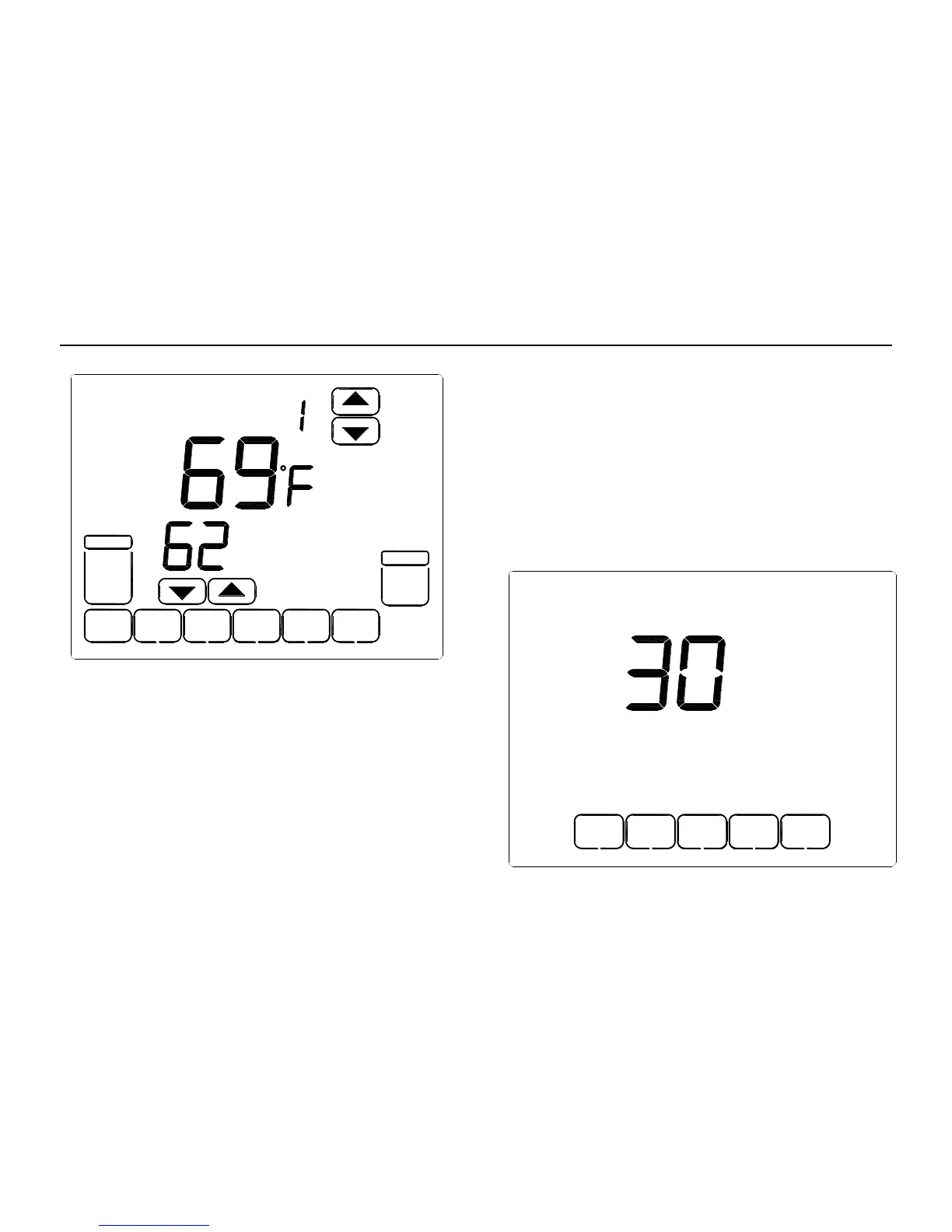
1. Press the SCREEN key. Thermostat locks
out all touch keys for 30 seconds to allow for
cleaning.
4. To cancel the Vacation Hold override
early, press the CANCEL key.
NOTE: When the number of days of
Vacation Hold expires, the screen
shows Running As SCHED to
indicate that Vacation Hold has
ended.


 To Next Page